Capture, share, and own your work
Practical guides on screenshots, screen + webcam recording, async work, and keeping your capture library yours — written for people who share their screen all day.
What to look for in a lightweight screen capture tool for Mac in 2026
Not every team needs a heavyweight video platform. If you mostly fire off screenshots and short clips, here’s the short list of features that actually matter.
Stop emailing huge video files — share a link instead
Email was never built to carry a screen recording. Attachments bounce, get stripped, or arrive unwatchable. A link is smaller, safer, and actually plays.
Faster customer support with annotated screenshots
Support is a race between confusion and resolution. An annotated screenshot or a 30-second clip wins that race far more often than another paragraph of instructions.
Own your screenshots: the case for self-hosted capture sharing
Every screenshot and recording you share lives somewhere. The question is whether it lives somewhere you control. Here’s why ownership of your capture library matters.
Async standups with quick captures
The daily standup is the most-scheduled, least-loved meeting on the calendar. Swap it for a 90-second capture and get the alignment without the interruption.
Why your bug reports need video (and a screenshot)
A bug report that gets fixed fast has one thing in common: the developer can see the problem. Repro steps in text are a guessing game. Capture removes the guessing.
Screenshots vs. screen recordings: when to use which
A screenshot and a screen recording solve different problems. Pick the wrong one and you either lose detail or waste everyone’s time. A practical guide to choosing fast.
This message could have been a quick capture
The “this meeting could have been an email” joke missed a step. Most of the time, the email could have been a 20-second screen capture. Here’s how to recognize the moment.
Start sharing in seconds
Screenshots and screen + webcam recordings with private links your whole team can open — and no one else.
Choose a planApps we've built
More products from The Portland Company
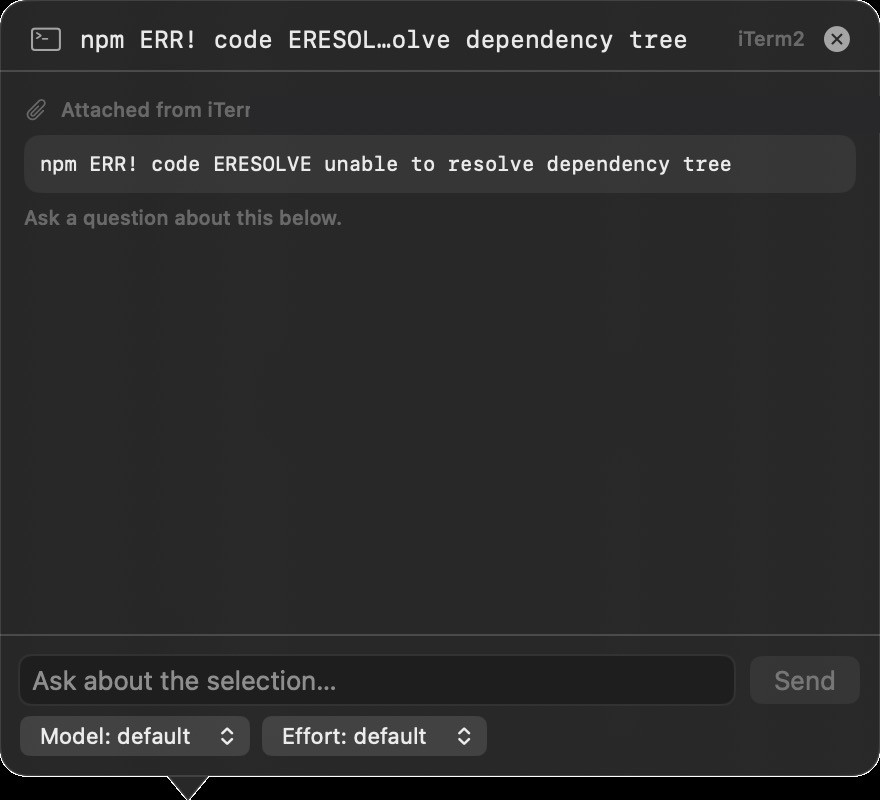 TermChatA macOS menu-bar companion for the terminal: highlight text in iTerm2 or Terminal, right-click Ask TermChat, and a floating bubble chats with your local Claude Code CLI about the selection — working directory and recent output attached as context.Visit TermChat ↗
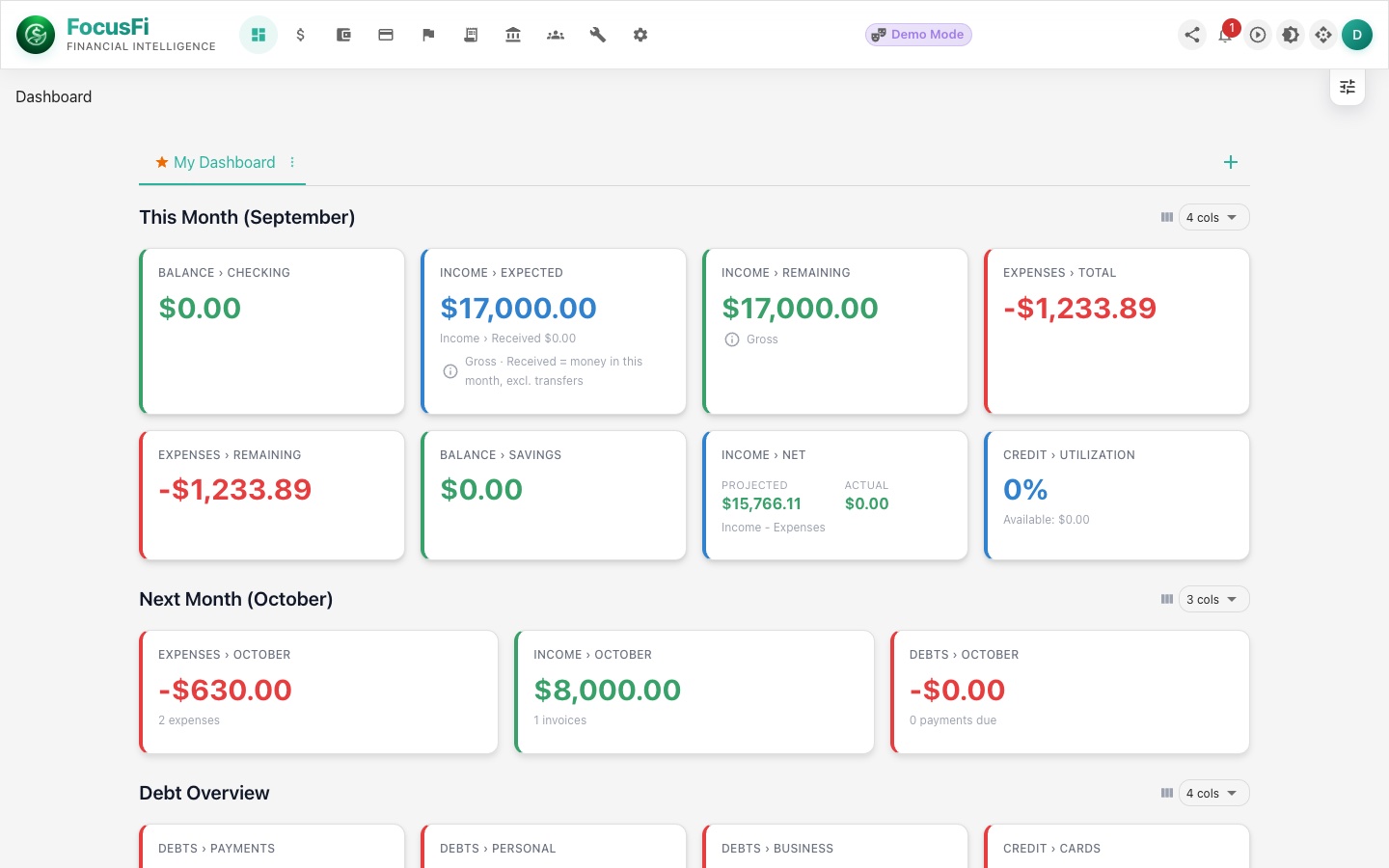 Focus: FinanceA finance workspace for planning, categorizing, and tracking money with a cleaner AI-assisted flow.Visit Focus: Finance ↗
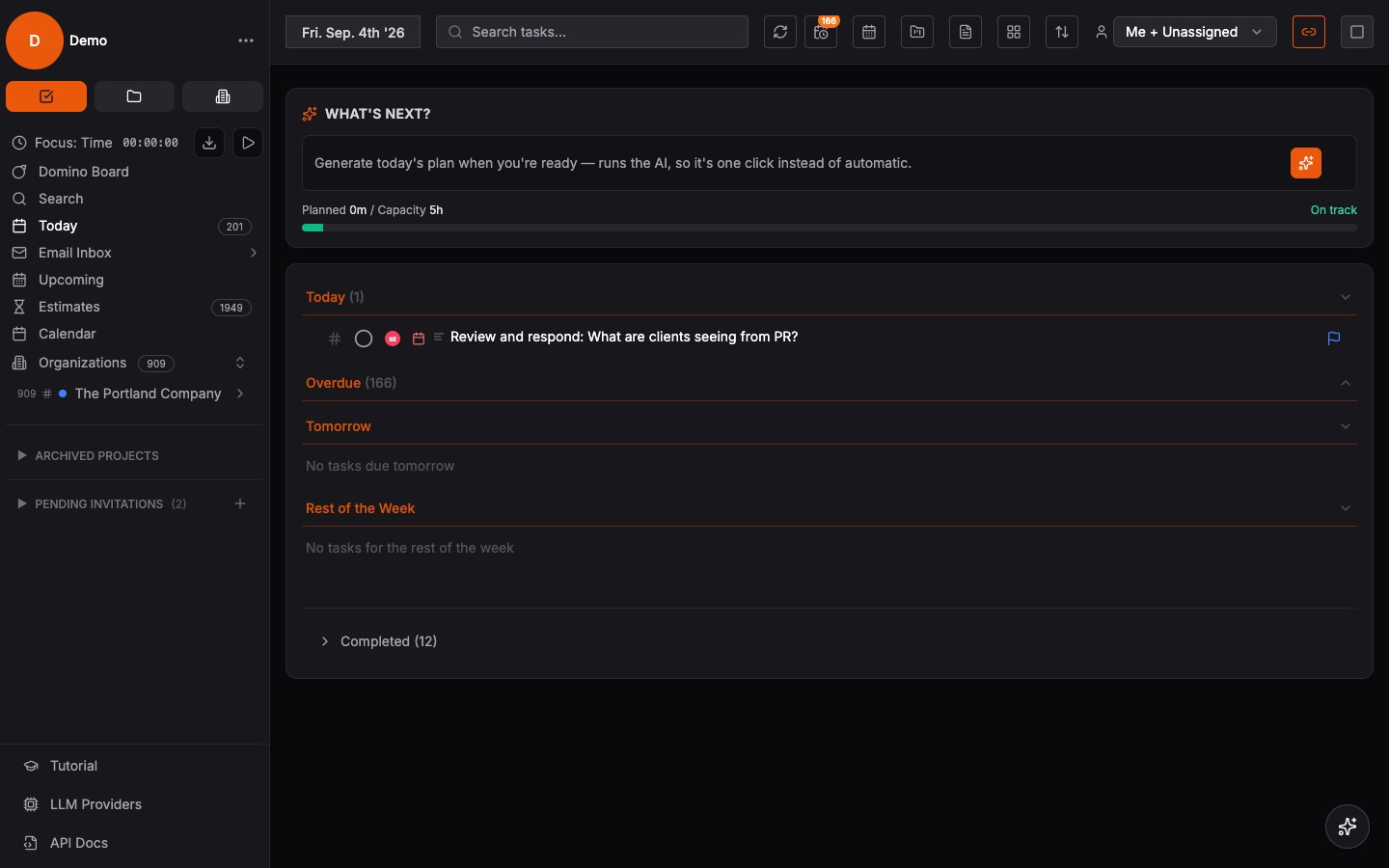 Focus: ForgeAn execution workspace for projects, priorities, and operating cadence across teams and initiatives.Visit Focus: Forge ↗
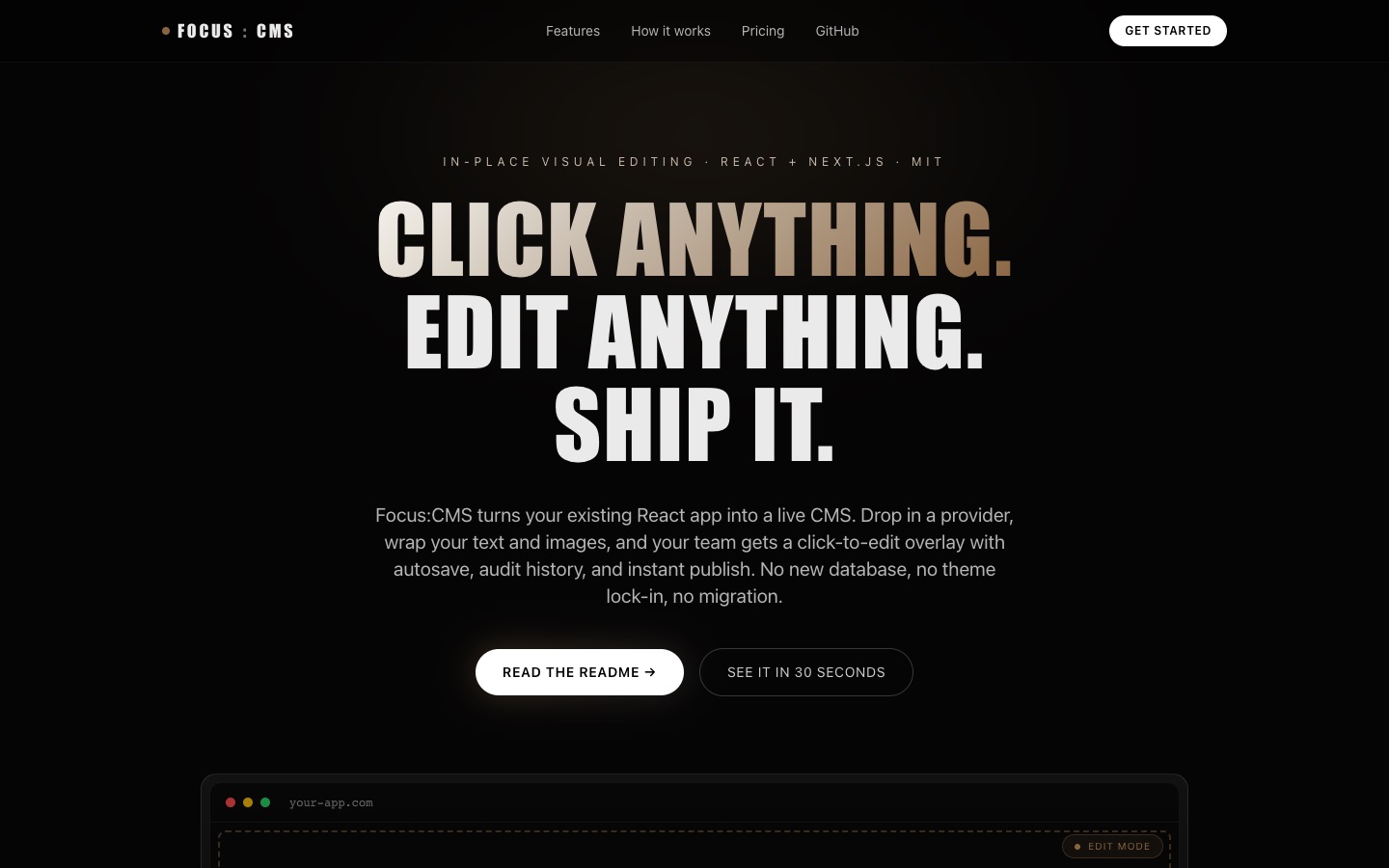 Focus: CMSTurns any existing React app into a live CMS — a click-to-edit overlay with autosave, audit history, and instant publish. Ships with a companion agent skill that teaches AI coding tools to build Focus: CMS-ready Next.js sites.Visit Focus: CMS ↗
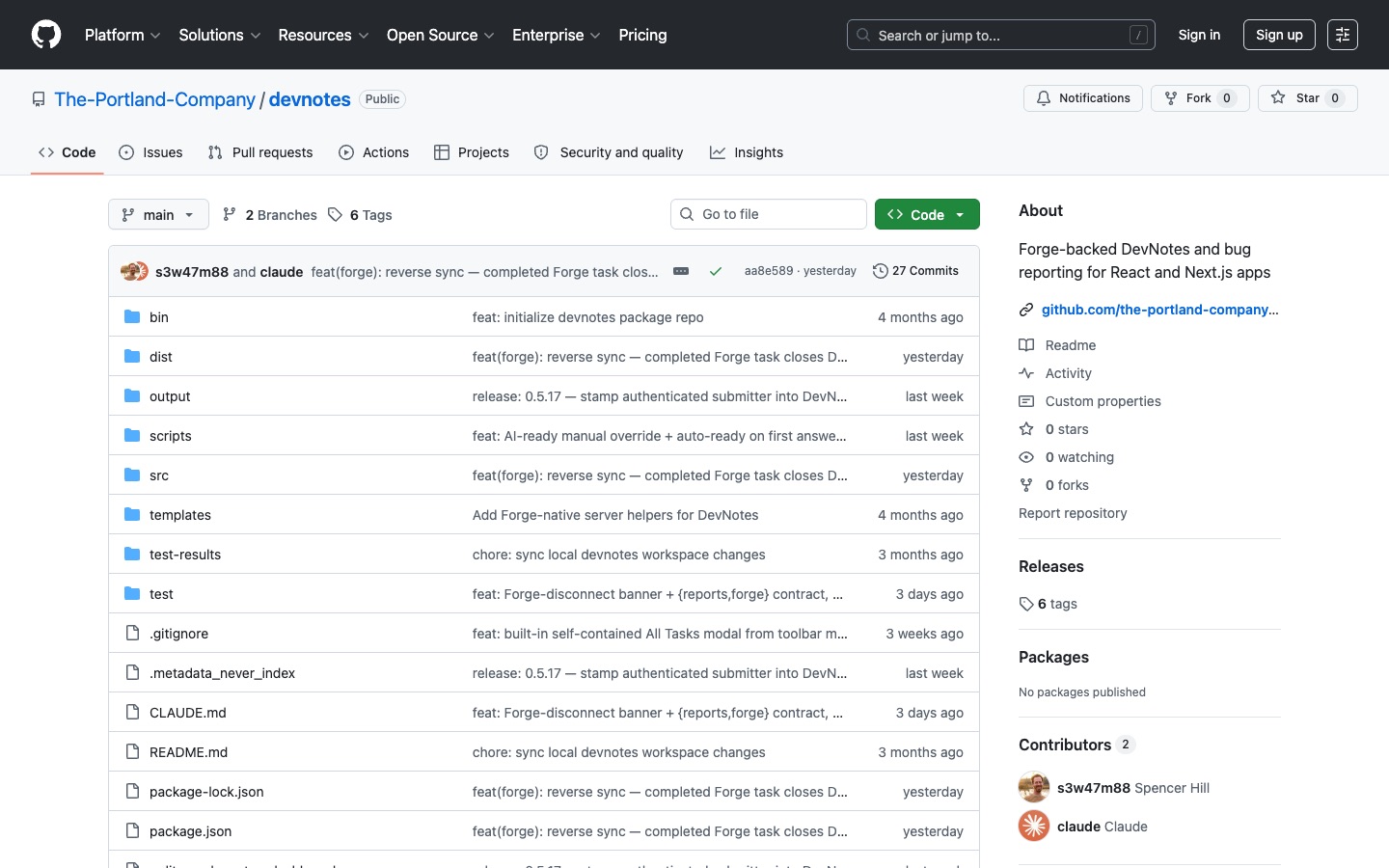 DevNotesIn-app bug reporting and task capture for React and Next.js apps — users file notes right on the page and they land in Focus: Forge as actionable tasks, synced through a secure server-side proxy.Visit DevNotes ↗
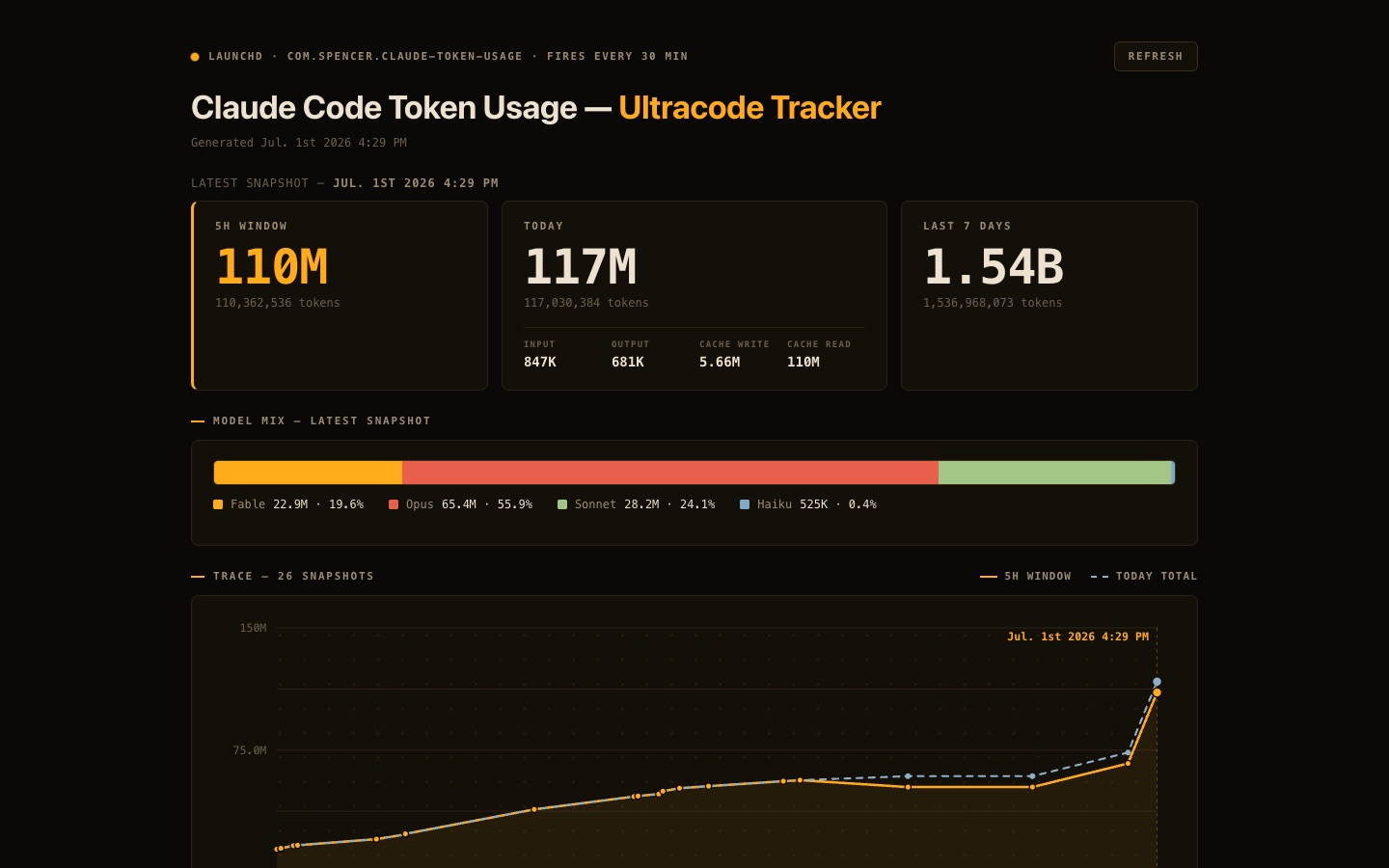 Claude Code Token Usage TrackerA live dashboard for Claude Code token consumption — tracks 5-hour and weekly usage windows, burn rate, and spend so you always know where your limits stand.Visit Claude Code Token Usage Tracker ↗
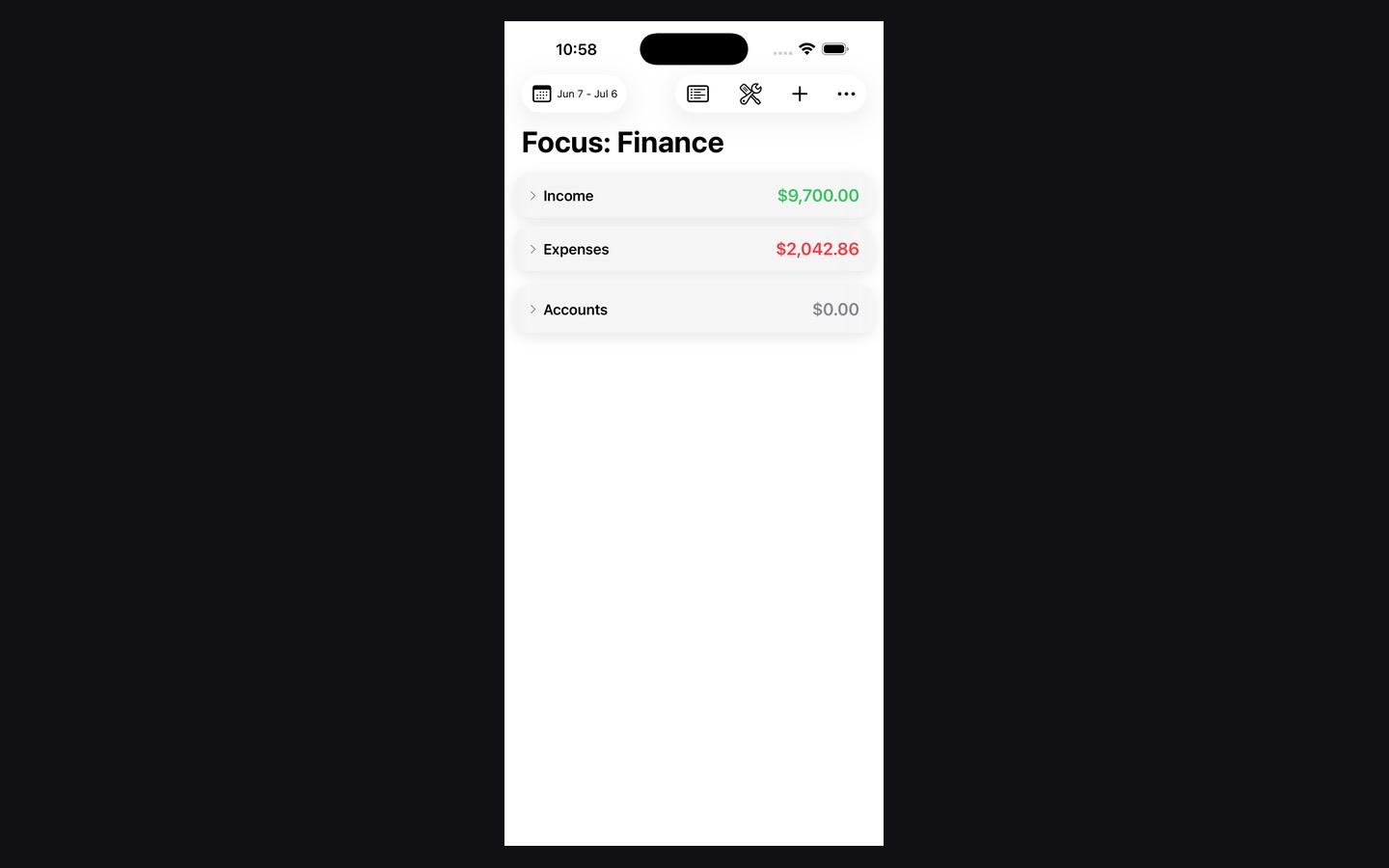 Focus: Finance iOS AppThe mobile companion for Focus: Finance with a native interface for checking, capturing, and managing money on the go.Visit Focus: Finance iOS App ↗
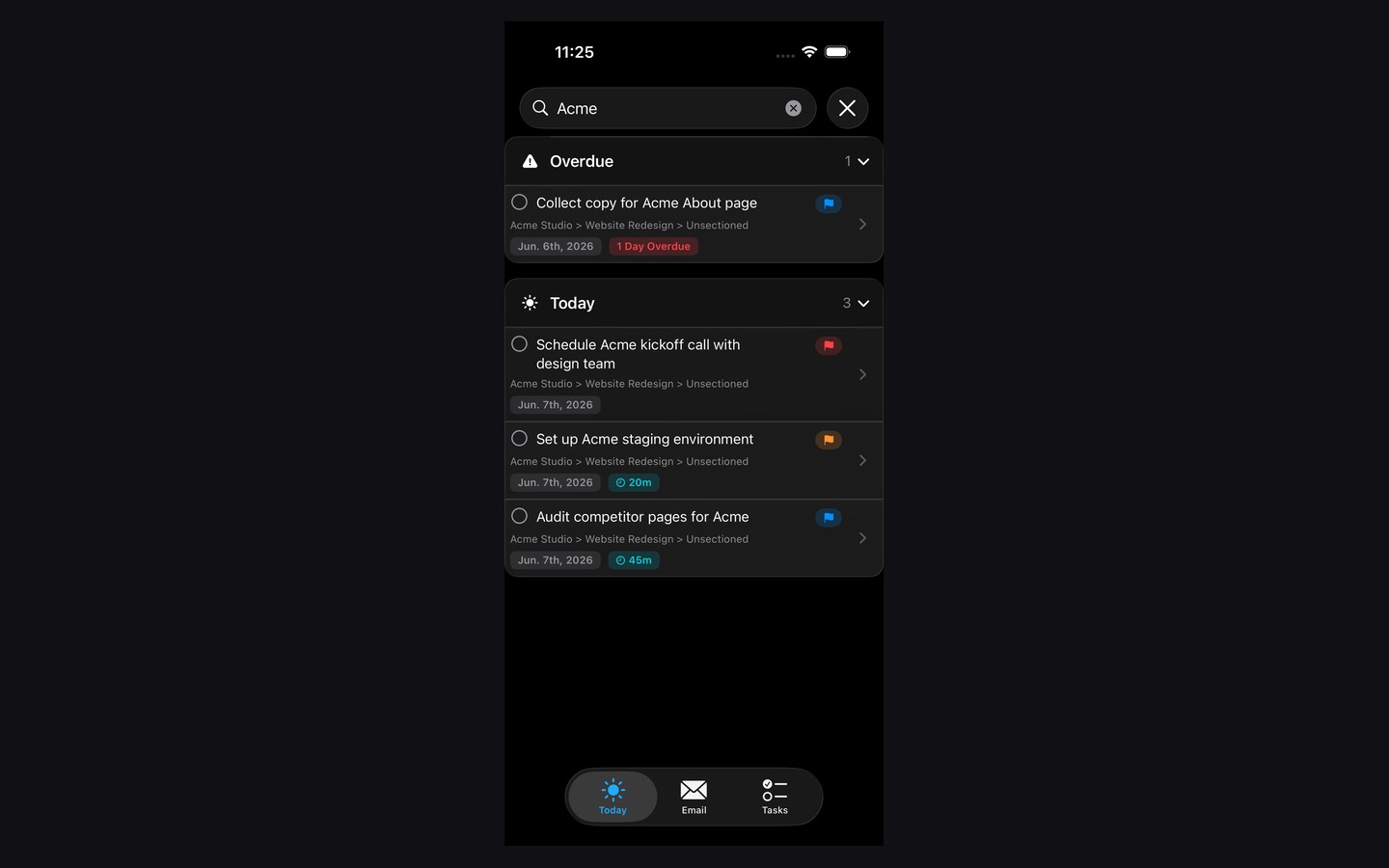 Focus: Forge iOS AppA native iPhone build for the Focus: Forge ecosystem built around fast daily planning and execution.Visit Focus: Forge iOS App ↗
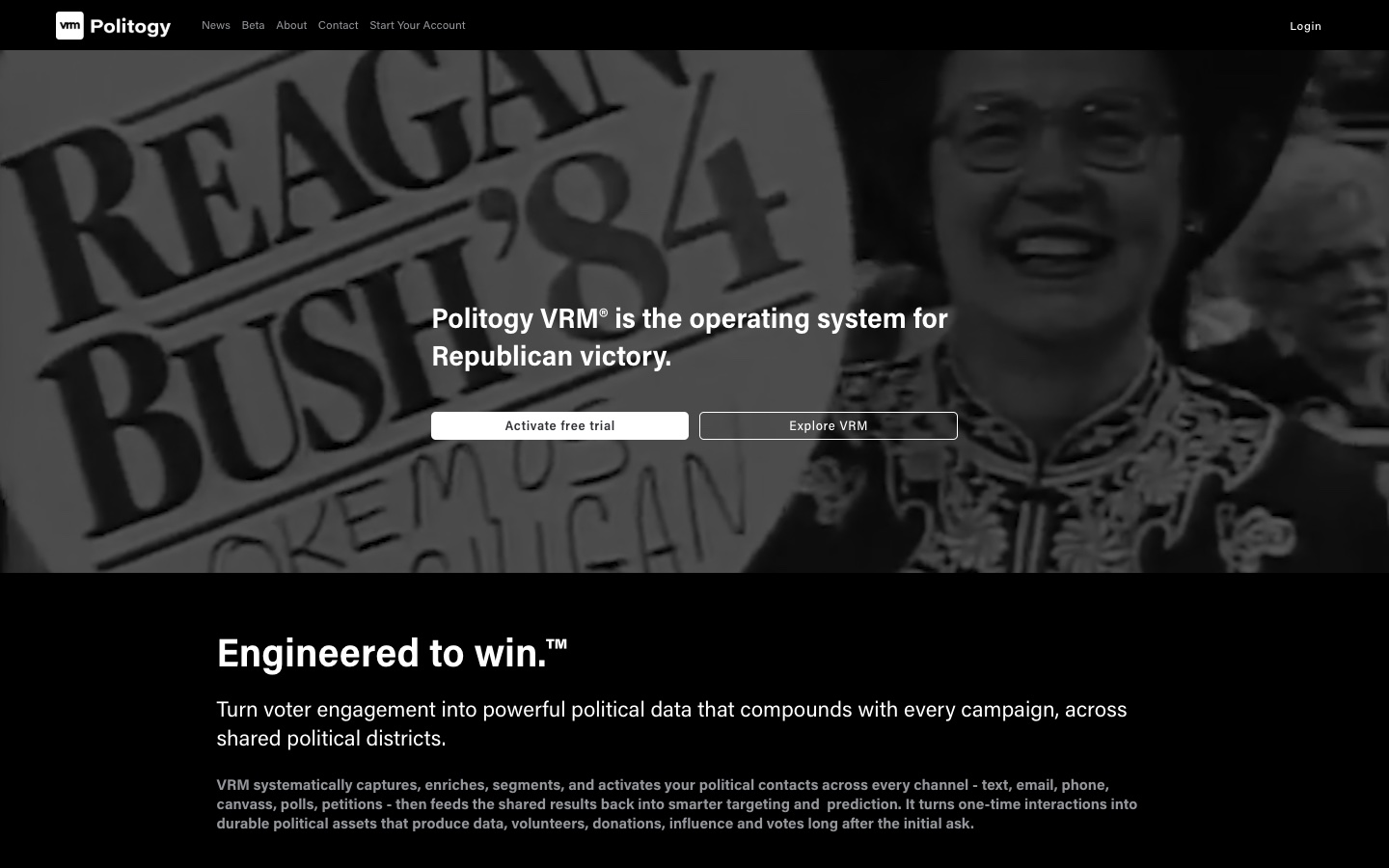 Politogy: VRMA voter relationship management platform designed around political outreach, communication, and engagement workflows.Visit Politogy: VRM ↗
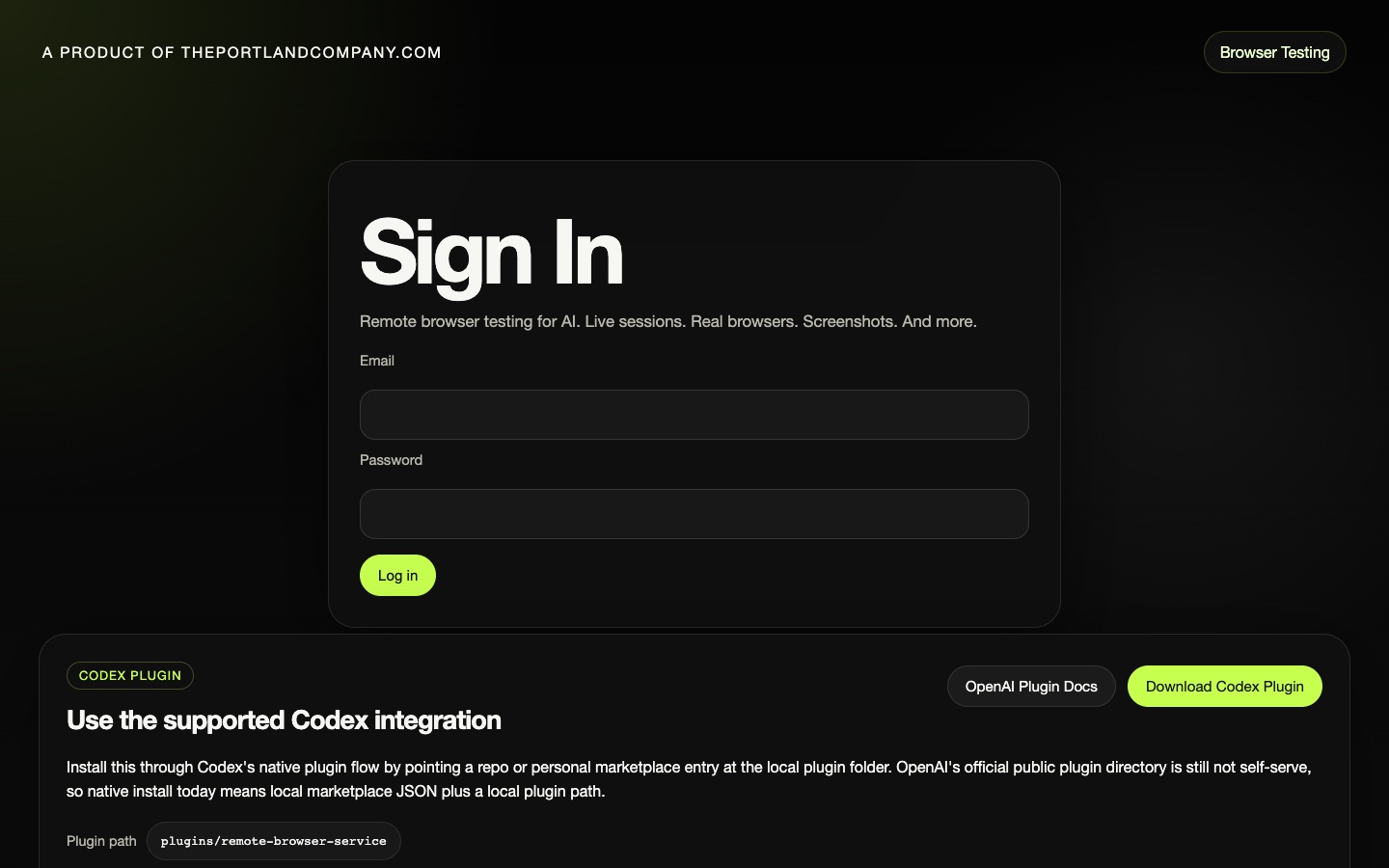 TPC Remote Browser TestingA remote browser testing utility for reproducible sessions, live debugging, and AI-assisted browser automation.Visit TPC Remote Browser Testing ↗
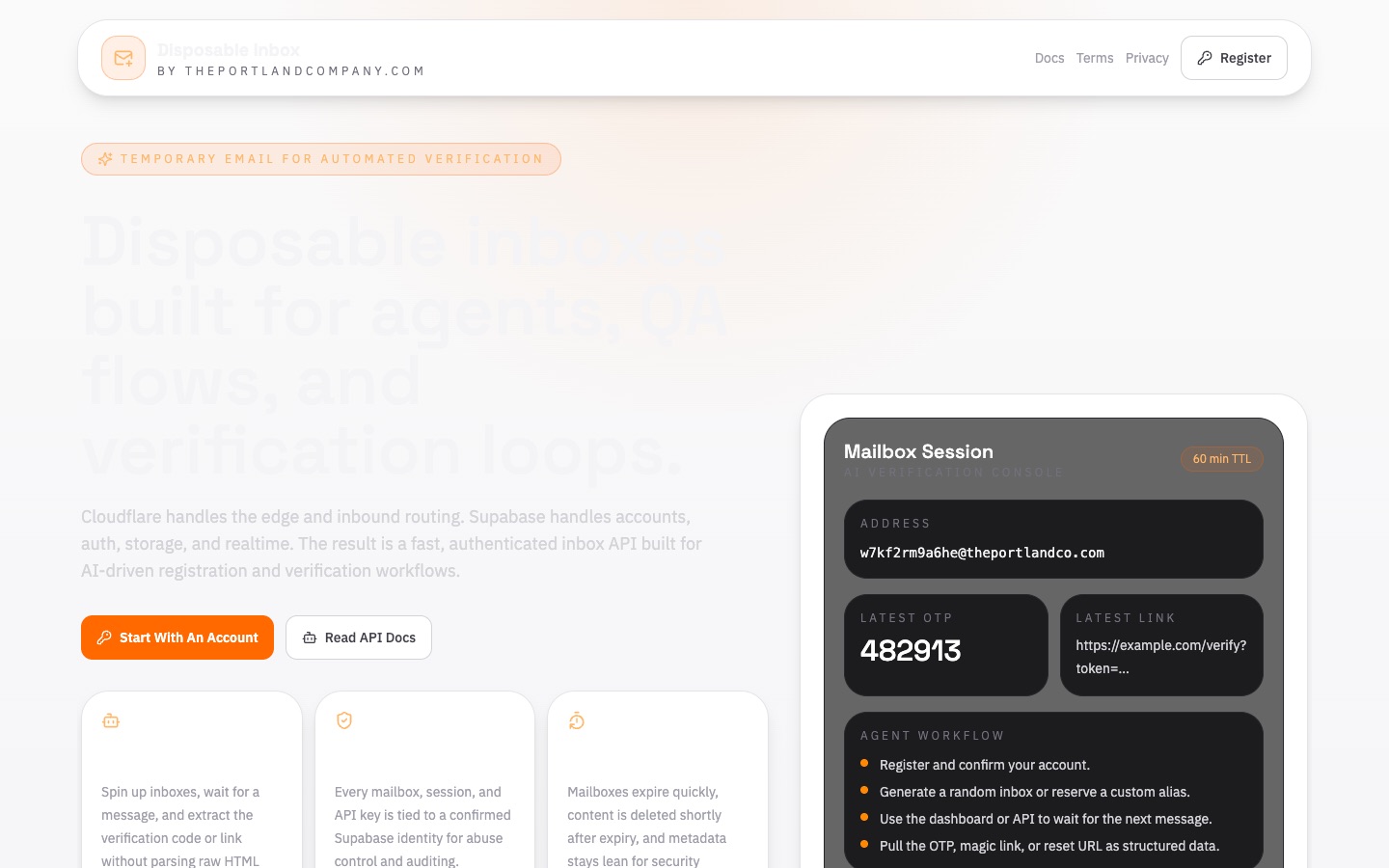 Disposable InboxReal, throwaway email addresses AI agents can read programmatically — capture OTP codes, magic links, and confirmations during automated testing, with a web dashboard and a drop-in agent skill.Visit Disposable Inbox ↗
 Village XA consumer-facing app with a stronger brand voice and product-led experience designed to feel polished from the first screen.Visit Village X ↗
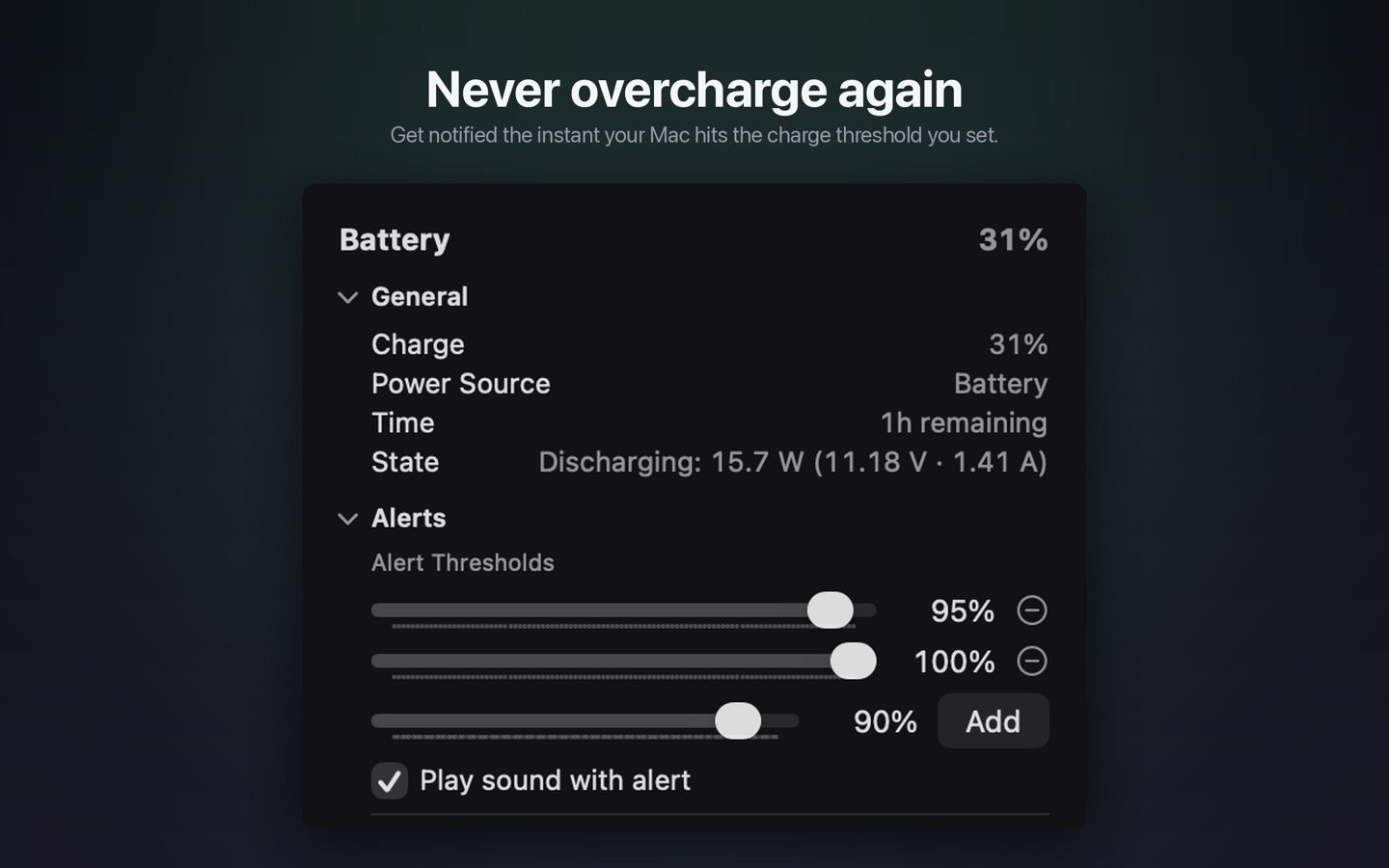 Battery BeaconA tiny menu bar utility that notifies you the moment your Mac's battery reaches the percentage you choose — so you can unplug at 95%, 100%, or any threshold you set, and never overcharge.Visit Battery Beacon ↗
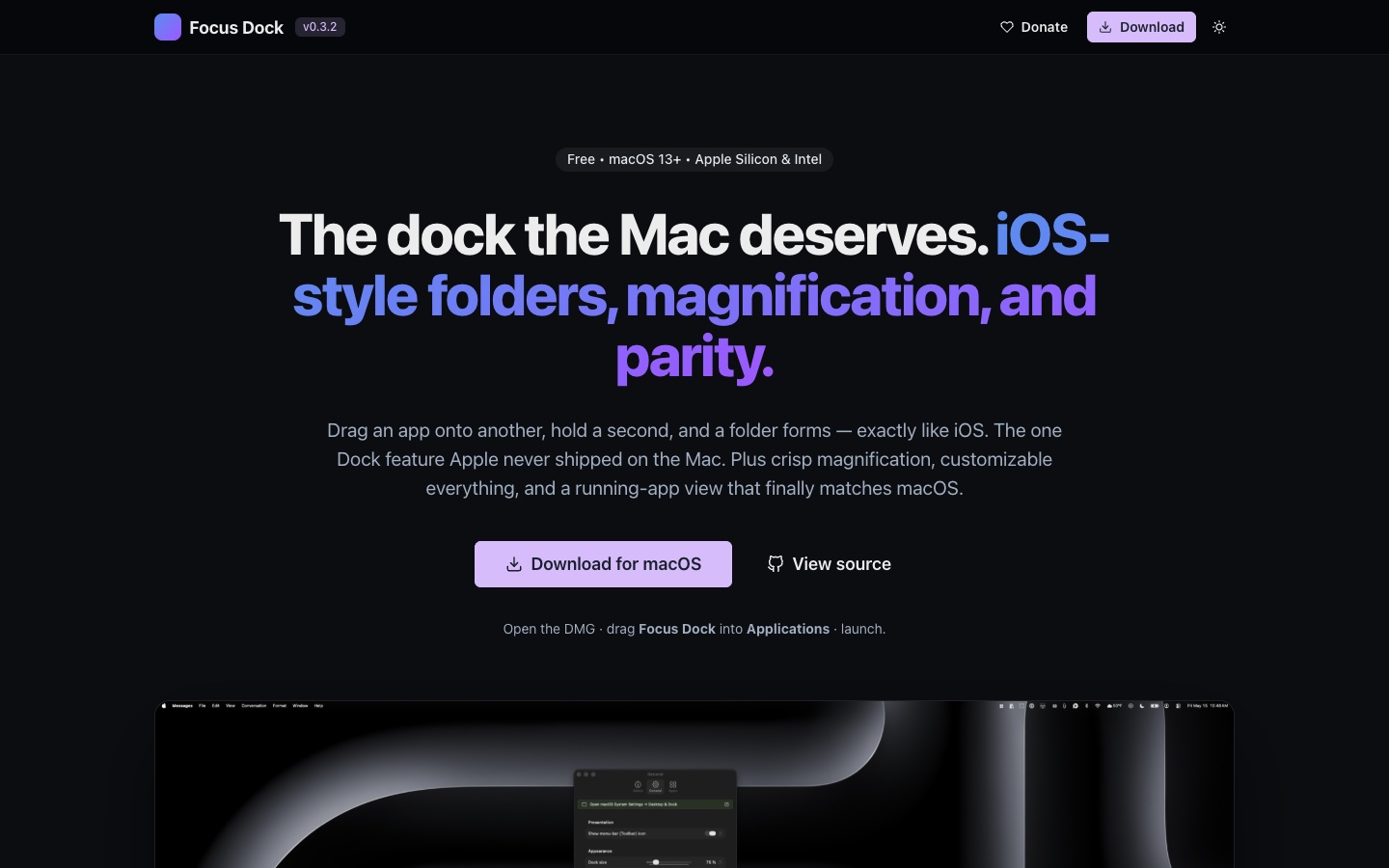 Focus: DockAn iOS-style replacement dock for macOS with the one feature Apple never shipped on the Mac — drag one app onto another, hold, and a folder forms.Visit Focus: Dock ↗
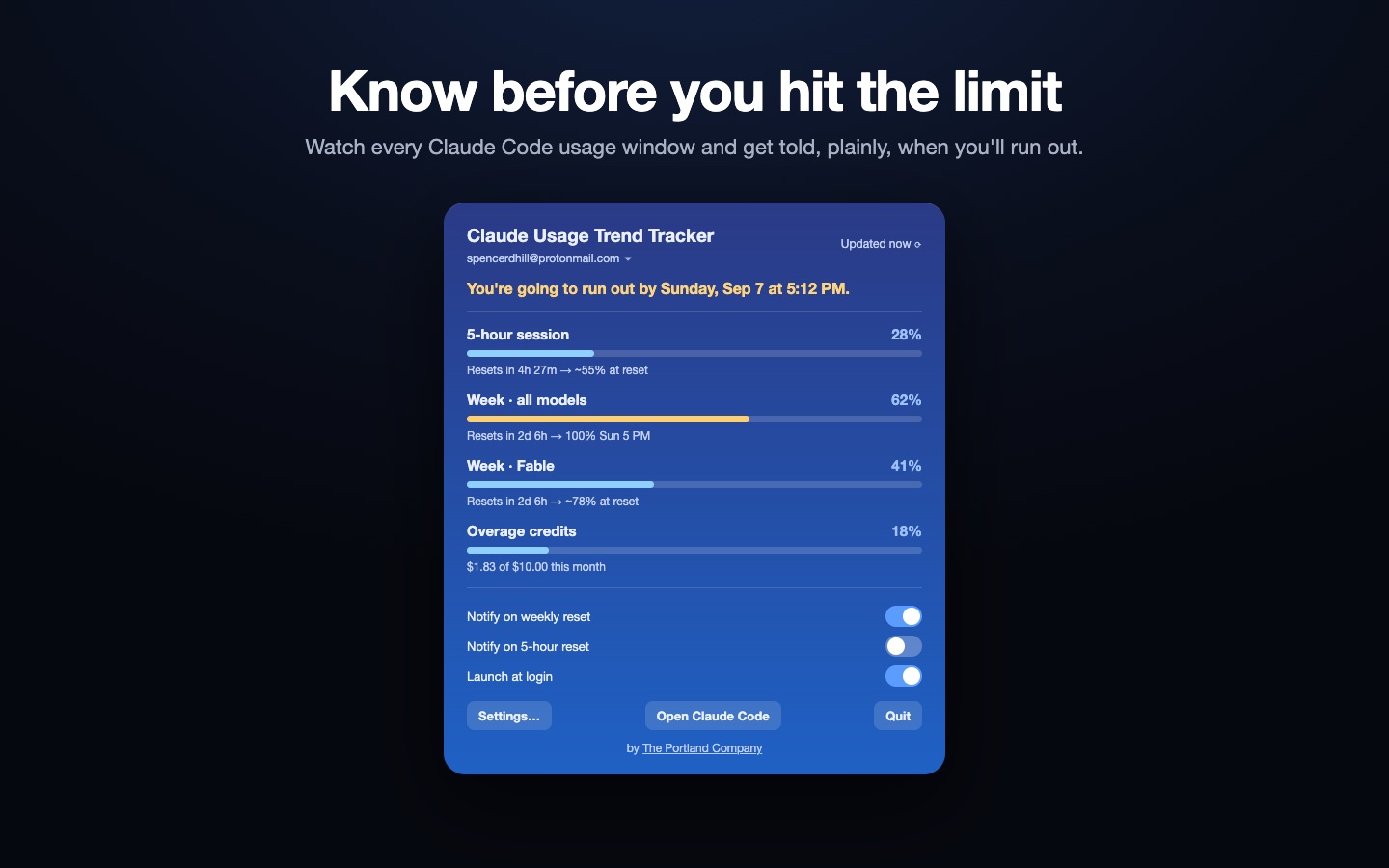 Claude Usage Trend TrackerA menu-bar app that shows your Claude usage limits at a glance — pick which percentages appear (Weekly, 5-hour, per-model like Fable) with icons or colored text, plus pace projection and reset alerts.Visit Claude Usage Trend Tracker ↗
 TPC Restore AI WindowsA macOS app + Claude Code skill that reopens your crashed Claude Code iTerm sessions and your browser windows after a crash or reboot — restoring tabs grouped into their original windows, on the exact Space, position, and size they were on. Auto-snapshots in the background and restores at login. New in 1.1: live restore progress, and restored sessions continue on their own.Visit TPC Restore AI Windows ↗
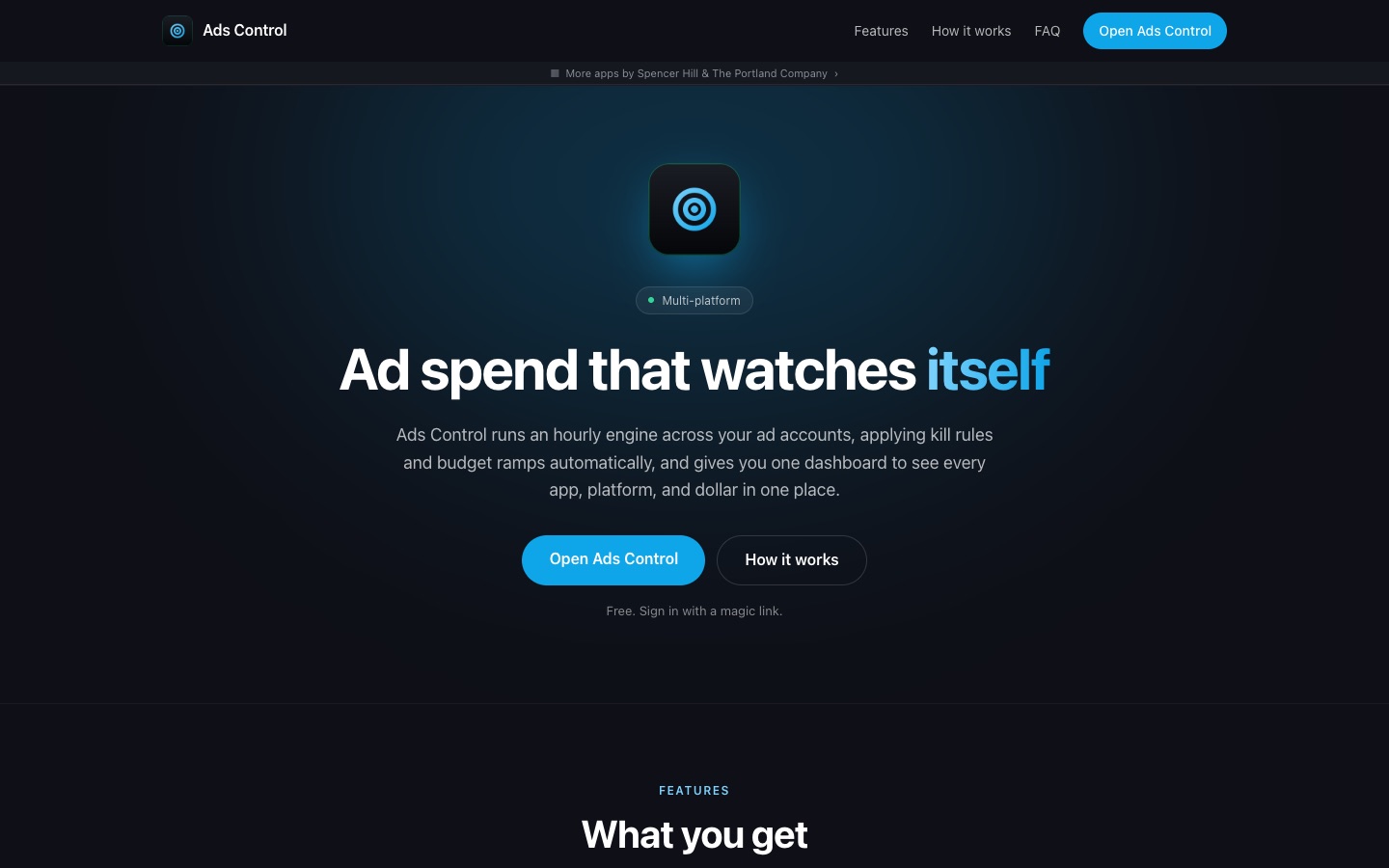 Ads ControlOne dashboard for every ad account and platform. A rules engine watches spend, CPC, and CTR around the clock, and pauses or paces campaigns before they overspend.Visit Ads Control ↗
 TPC AnalyticsHosted, privacy-friendly web analytics built on open-source Umami. No cookies, no personal data collection, just clear traffic insights.Visit TPC Analytics ↗
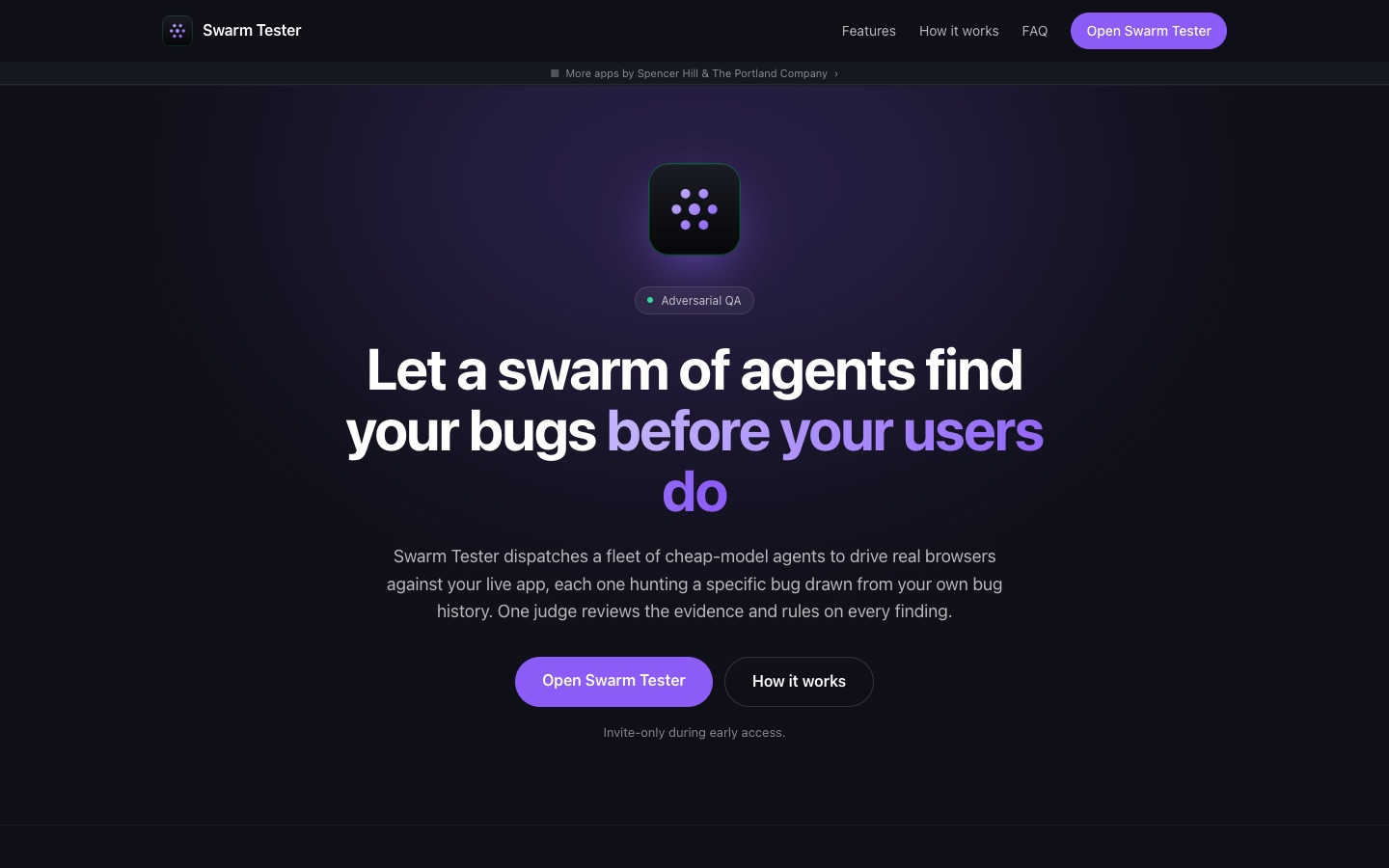 Swarm TesterA swarm of cheap AI agents drives real browsers against your app, hunting bugs from personas built on your real bug history, while one judge rules on what they find.Visit Swarm Tester ↗
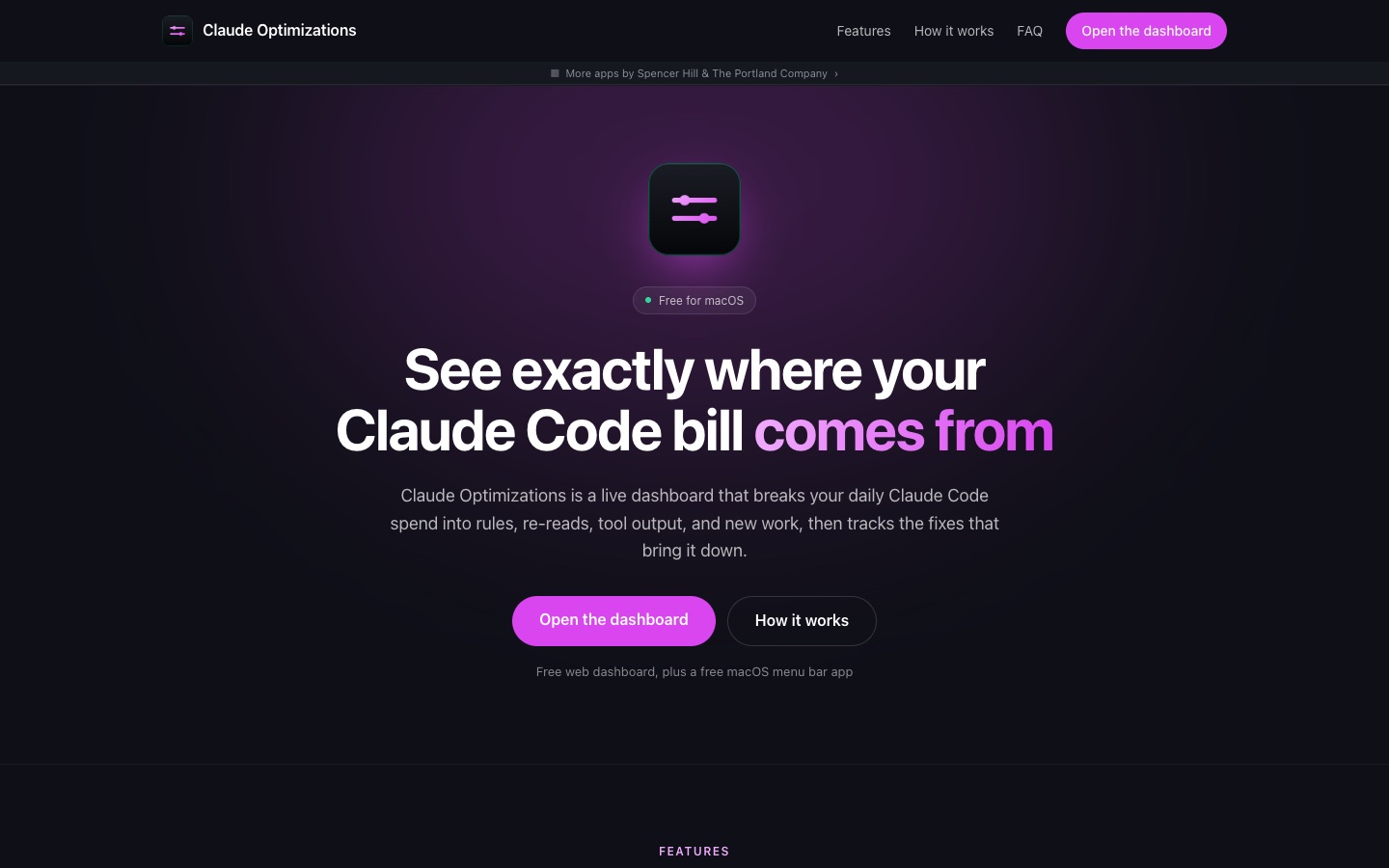 Claude OptimizationsA dashboard that shows why Claude Code costs what it does, day by day, and tracks the fixes that bring the bill down.Visit Claude Optimizations ↗
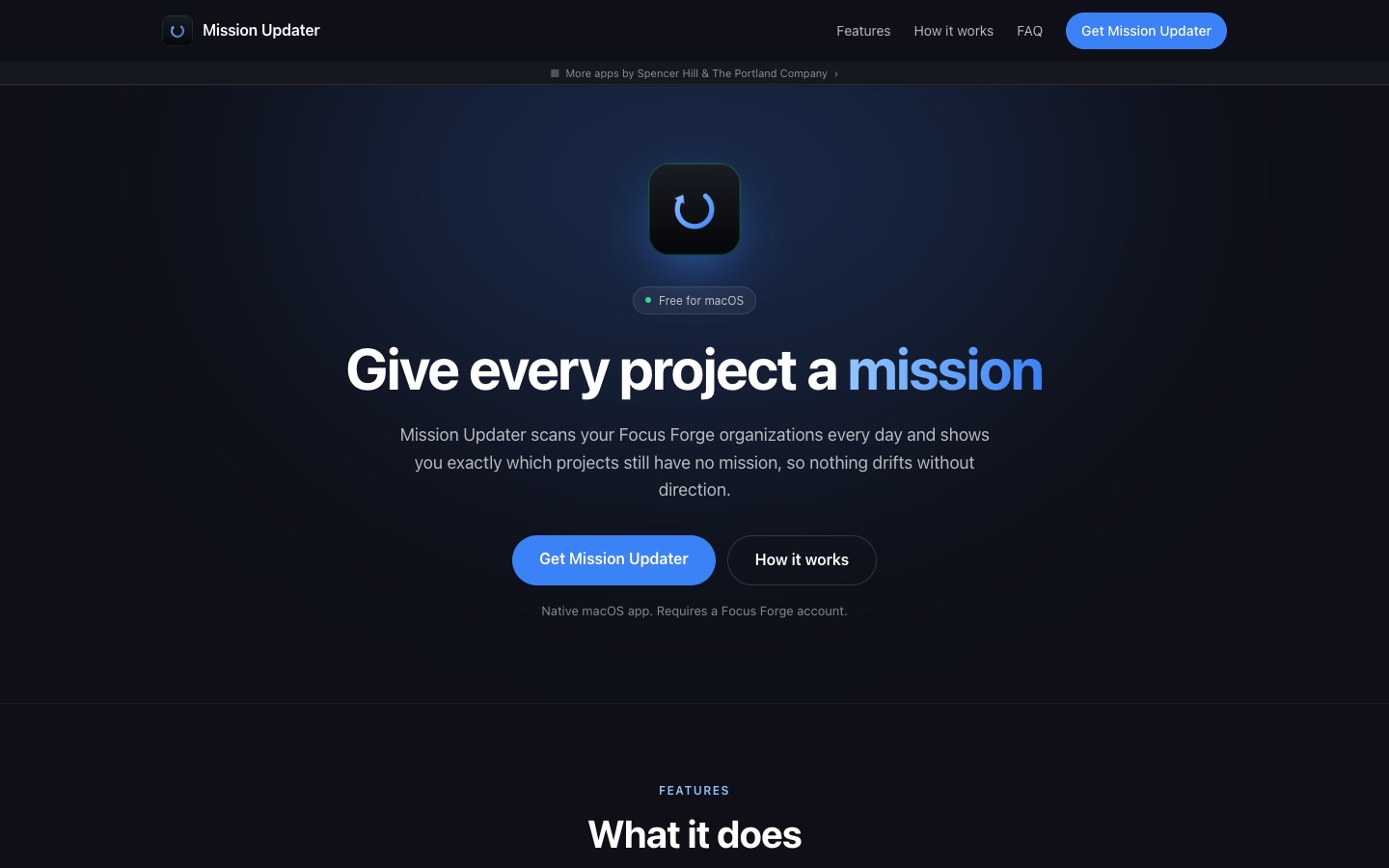 Mission UpdaterA native macOS menu app that scans every Focus: Forge project daily and walks you through writing a mission for any that are missing one.Visit Mission Updater ↗
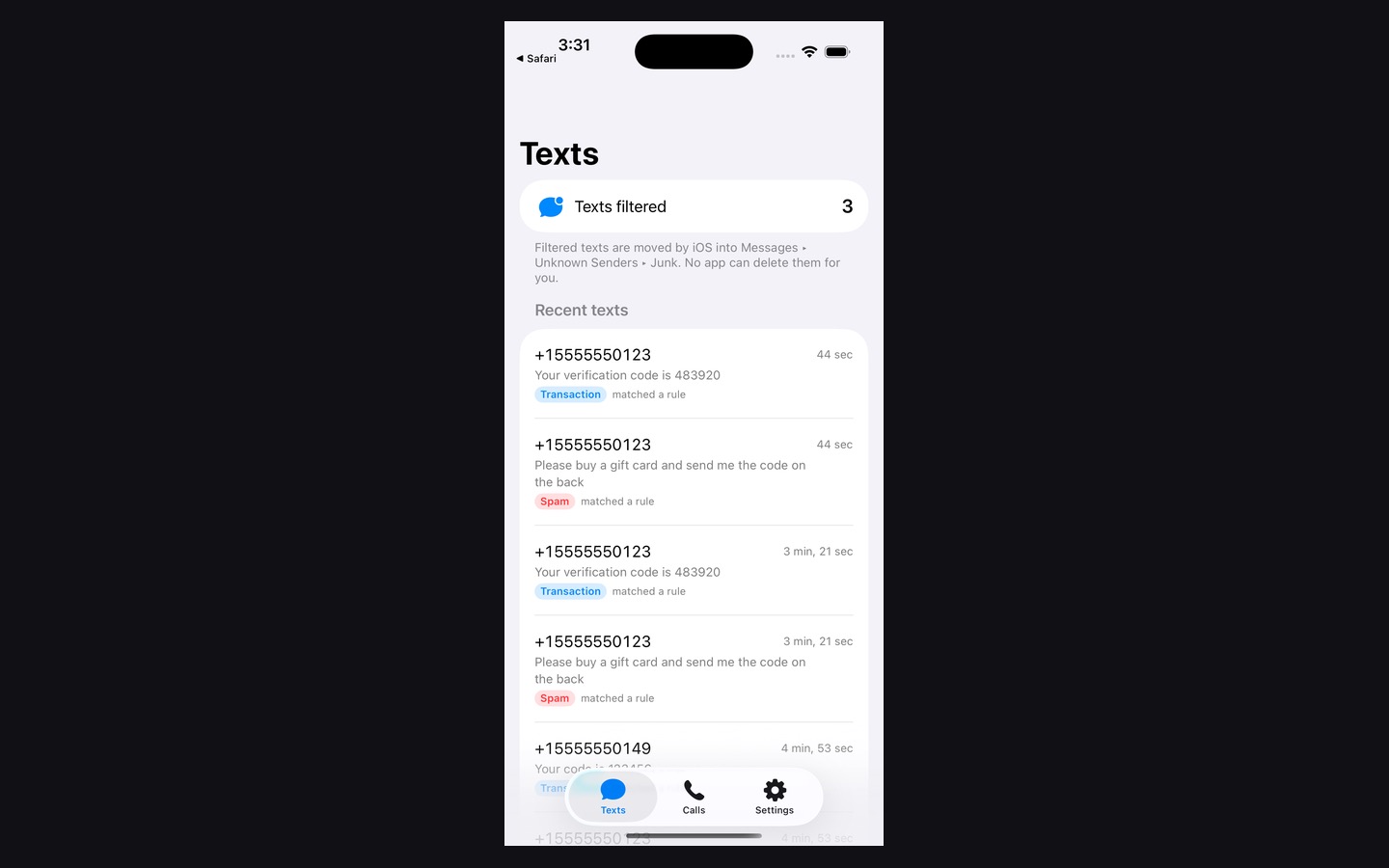 TPC Anti-SpamAI-powered spam defense for iPhone texts and calls — a crowdsourced blocklist, private on-device filtering, and an opt-in AI classifier for the messages that slip through.Visit TPC Anti-Spam ↗
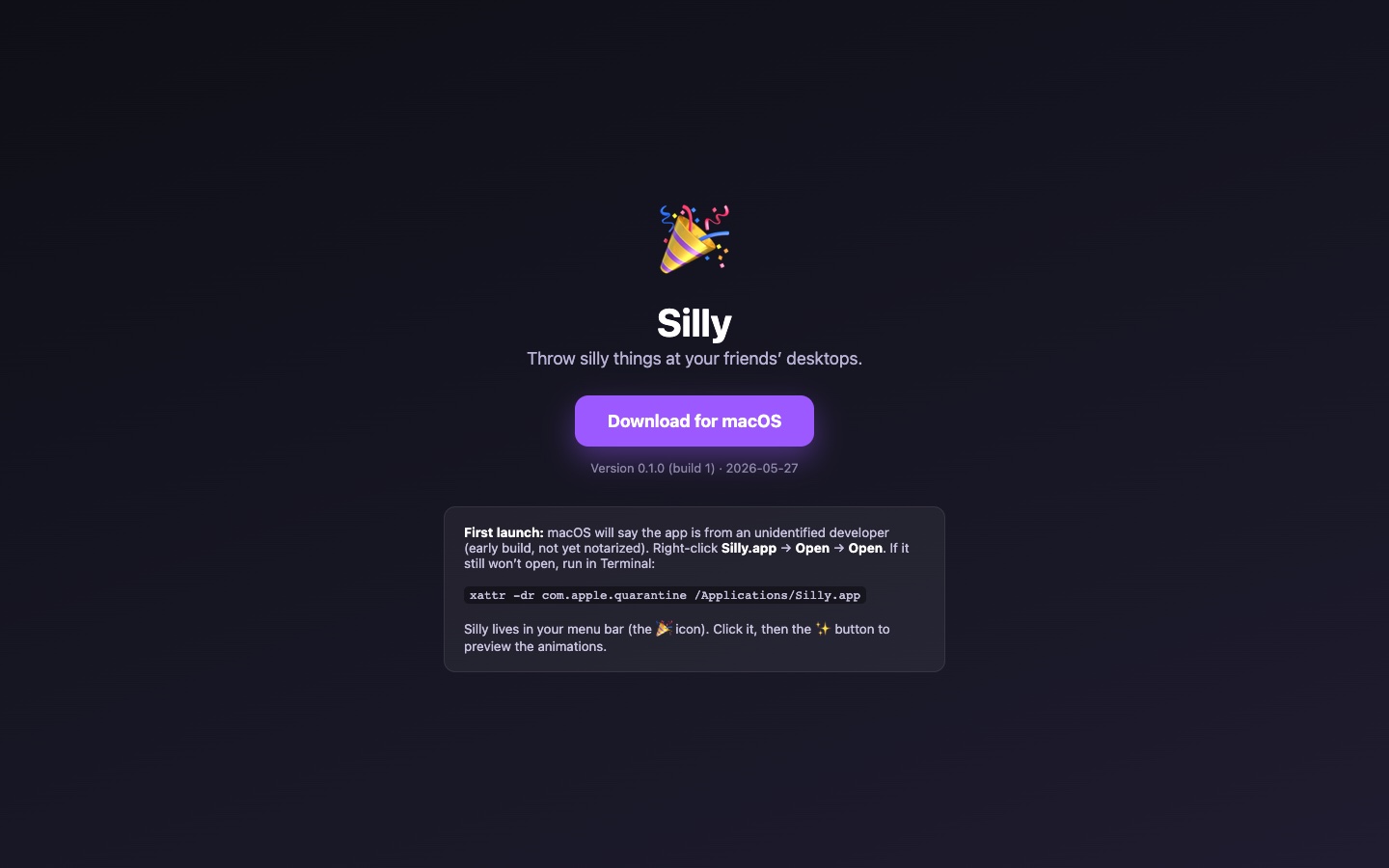 Silly!A playful menu bar companion for your Mac — pixel-art sprites, a throw mini-game, and Game Center multiplayer.Visit Silly! ↗
Hover to pause