Why your bug reports need video (and a screenshot)
The slowest part of fixing a bug is often not the fix. It is the back-and-forth to understand what actually went wrong. A capture — a short recording of the failure, plus a screenshot of the error — collapses that loop. The developer sees what you saw, and the guessing stops.
Text repro steps are lossy by design
When you write “clicked save, it didn’t work,” you are compressing a rich visual event into a sentence. The developer then has to decompress it, guess at the browser, the screen size, the exact sequence, and the state you were in. Half the time their first reply is “I can’t reproduce it,” which means the report cost time and produced nothing.
A recording skips the compression entirely. It shows the real environment, the real timing, and the real failure — including the small details you would never think to mention, like a console warning that flashed by or a layout that was already subtly off before you clicked.
The anatomy of a report that gets fixed
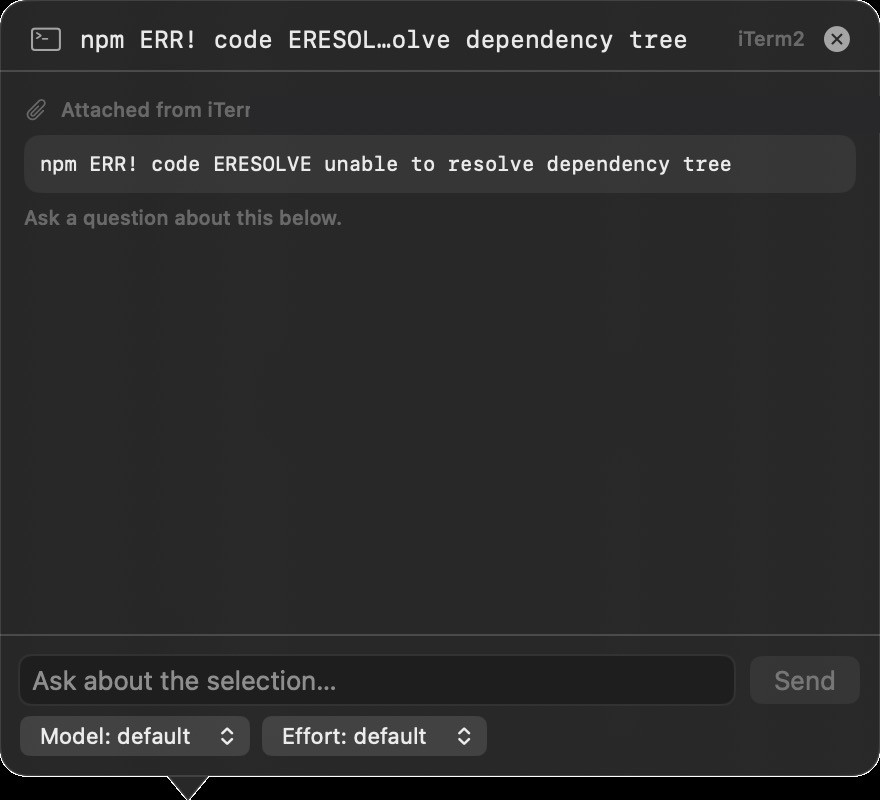
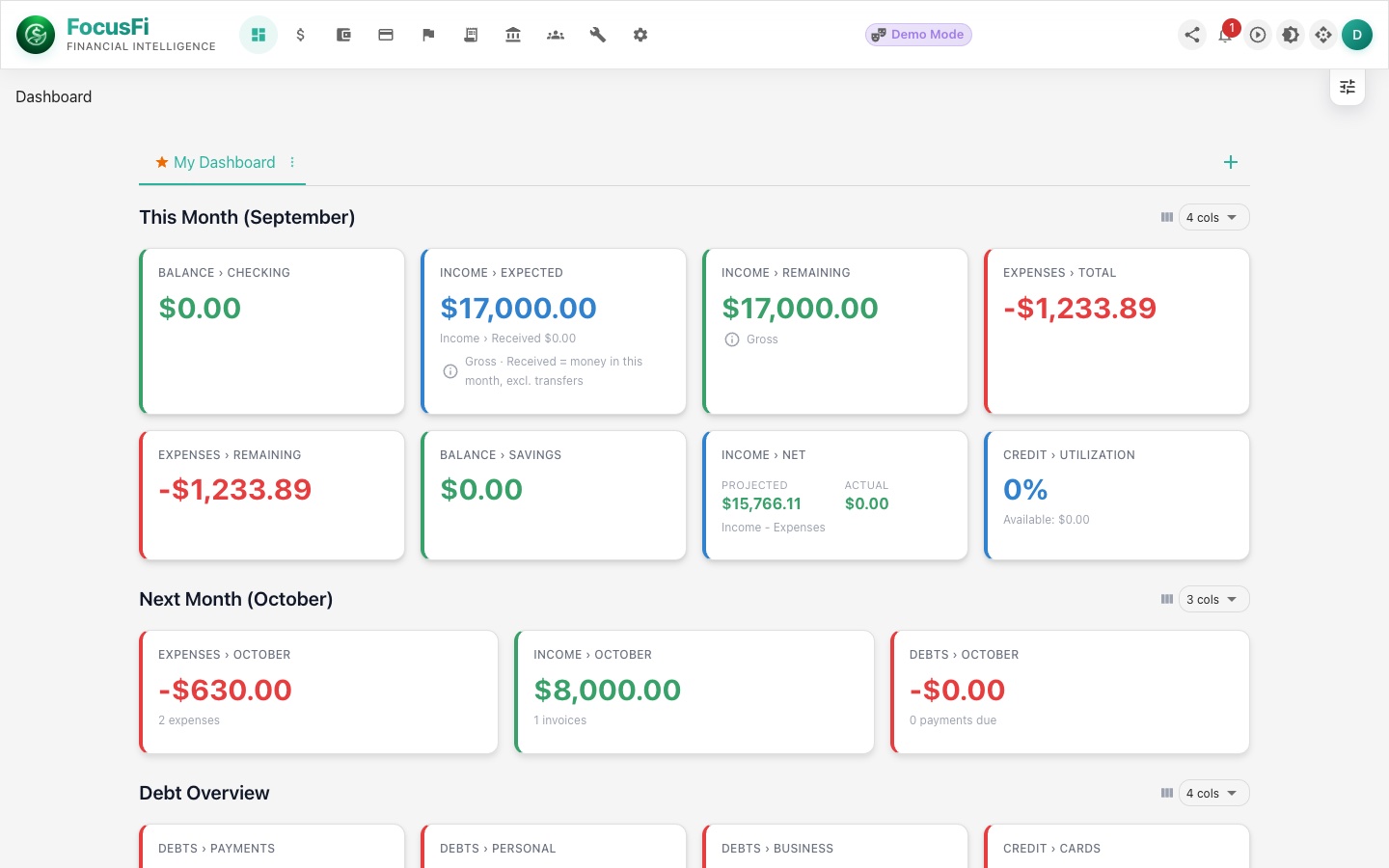
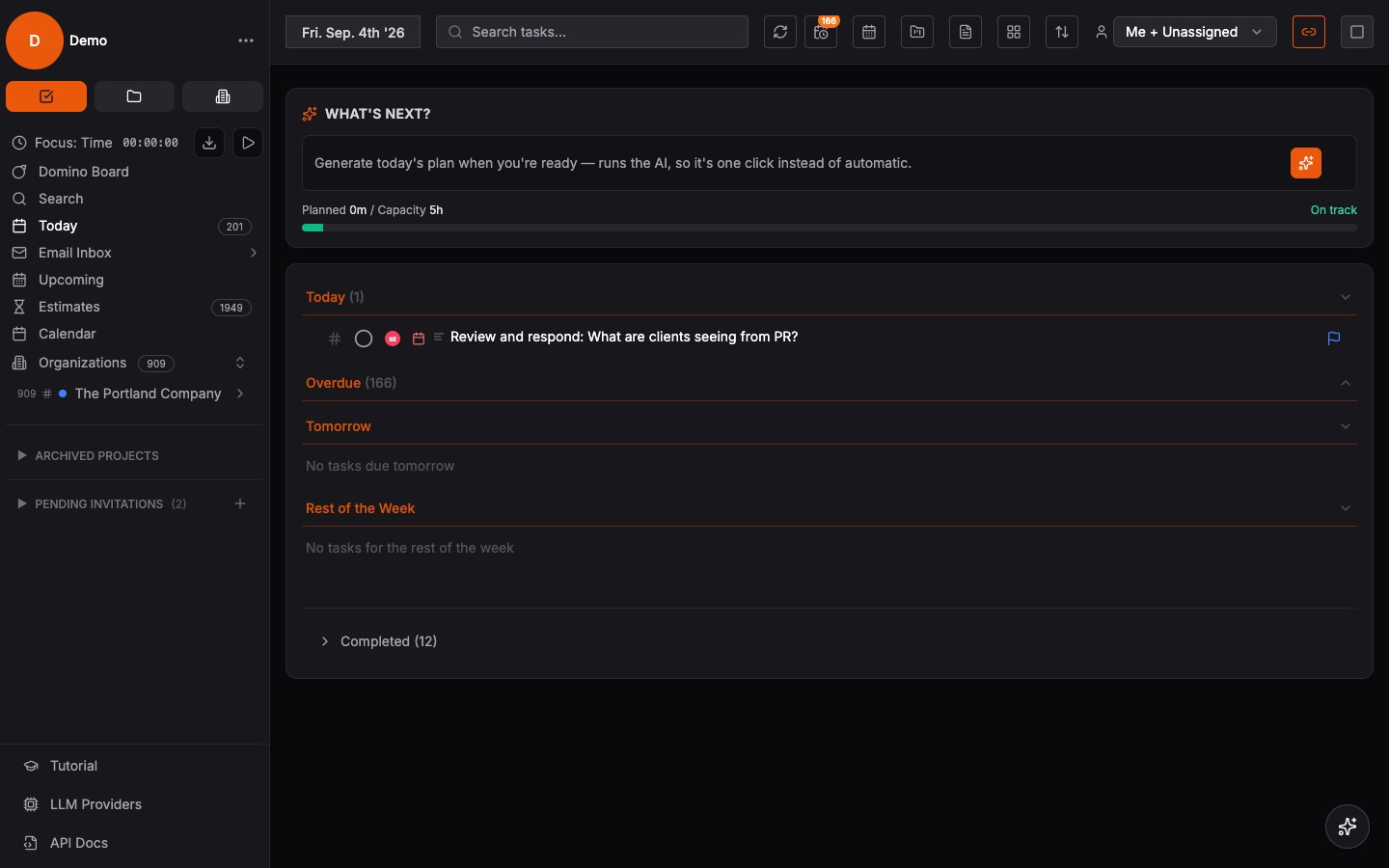
Lead with a short recording of the bug happening, start to finish, narrated if it helps. Then attach a screenshot of the end state — the error toast, the broken layout, the wrong number — so the developer has a still frame to annotate and reference. Together they answer both “what happens” and “what did it look like.”
Add the boring context the video cannot show: what you expected to happen, and roughly when it started. That is it. You have just turned a vague complaint into a reproducible case, and you did it faster than writing a careful paragraph of steps.
It pays off across the whole team
QA can file richer tickets in less time. Support can forward a customer’s captured clip straight to engineering without playing translator. Developers spend their time fixing instead of interrogating. And because each capture is a link, it drops cleanly into a ticket, a pull request comment, or a chat thread without wrestling with file uploads.
There is a documentation bonus, too. A library of captured bugs becomes a searchable record of what broke and how it looked. When a regression shows up months later, the original clip is right there to compare against.
Keep the captures yours
Bug reports often contain things you would rather not broadcast: internal tools, customer data on screen, unreleased features. Sharing through signed, expiring links means the clip is visible only to the people you send it to, and only for as long as you want. No public bucket, no guessable URLs, no surprise exposure.
For teams with stricter requirements, hosting capture where you choose — self-hosted or in private tenant storage — keeps sensitive repro footage inside your own boundary instead of a third party’s cloud. The bug gets fixed; the data never leaves home.