 Snap Shoot Share
Capture. Get a link. Paste.
- Free & local hosting options
- WebP screenshots
- Transcription
- Private expiring links
- Annotate screenshots
- Screen + webcam recording
- Tags, folders & search
- Global hotkeys
- Team plansComing soon
- Custom namesComing soon
- CommentingComing soon
- IntegrationsComing soon
Free download · Requires macOS 13+ · Hosting plans with Apple Pay, Google Pay & cards
Everything you need
Free hosting if you want it, transcription, WebP screenshots, and more — built for people who share their screen all day.
A free hosting option
Keep every file on your Mac for free with no account at all, or host share links on a server of your choice.
Transcription built in
Turn a recording into text right in the app, or use a hosted or bring-your-own provider when you want it done in the cloud.
WebP screenshots
Screenshots are saved and served as WebP, so the files stay small and your links open fast.
MP4 that plays inline
Recordings are MP4 (H.264/AAC), so a shared video link plays in the browser instead of forcing a download.
Private, expiring, revocable
Links are signed and time-limited, there is no public bucket, and you can revoke any link at any time.
Annotate your screenshots
Mark up a screenshot with arrows, boxes, highlights and text before you send it.
Tags and a searchable library
Browse, preview, tag, and re-share every capture from one window. Search across everything you have made.
Screen + webcam bubble
Record your screen with a floating camera bubble baked right into the video as picture-in-picture.
Global hotkeys
Capture or record from a hotkey or the menu bar, with your own defaults and keyboard shortcuts.
Every capture in one organized library
Browse, preview, tag and re-share everything you have captured, and search across all of it from one window.
Capture or record without leaving your work
Screenshot, record your screen, record your camera, or record both together — straight from the menu bar.
Free self-hosting or pay-as-you-go
Keep everything on your Mac for free, use a server of your choice, or pay only for what we host for you.
Turn a recording into text, built right in
Transcribe with the built-in engine, use hosted transcription with credits, or bring your own Deepgram or OpenAI key.
Annotate before you share
Arrows, boxes, highlights and text, right after every capture — then save and share in the same breath.
Your hotkeys, your rules
Remap the global capture and recording hotkeys to whatever your hands already expect.
Sensible defaults, fully yours to tune
Capture targets, image format, cursor, startup behaviour — set it once and forget it.
On the way
Not in the app yet — here is what we are building next.
Team plans
Shared hosting and a shared library for a whole team.
Custom names
Name a capture and its share link whatever you want.
Commenting
Leave and read comments right on a shared capture.
Integrations
Send captures straight into the other tools you already use.
Your captures stay yours
Files are stored privately and served only through signed, expiring links you authorize. There’s no public bucket to browse and no guessable URLs. Revoke a link any time. Because hosting runs on zero-egress infrastructure, viewing a shared link never costs you extra — unlike per-seat tools that meter every view.
A Loom alternative for Mac
Loom sells per seat and lives in the cloud. Snap Shoot Share is a free Mac app you can run entirely on your own machine — and pay for hosting only if you actually want it.
- Free Local Only mode — files stay on your Mac, no account required
- Host share links on a server of your choice if you prefer
- No per-seat pricing — hosting plans are $5, $12 or $29 a month for the whole account
- Private links that are signed, expiring and revocable
- Transcription of recordings built into the app
- WebP screenshots and MP4 recordings that play inline in the browser
A Zight alternative for Mac
If you came from Zight or CloudApp, this is the same instant capture-and-paste habit, with your files either on your Mac, on your own storage, or on a flat-rate hosted plan.
- Free Local Only mode — files stay on your Mac, no account required
- Host share links on a server of your choice if you prefer
- No per-seat pricing — hosting plans are $5, $12 or $29 a month for the whole account
- Private links that are signed, expiring and revocable
- Transcription of recordings built into the app
- WebP screenshots and MP4 recordings that play inline in the browser
Simple, honest pricing
Pick a monthly plan for included storage. Top up credits any time for overage.
Starter
50 GB included storage
- ✓ Private, signed share links
- ✓ Unlimited views — no egress fees
- ✓ Screenshots & screen + webcam recordings
- ✓ Credit top-ups for overage
Pro
250 GB included storage
- ✓ Private, signed share links
- ✓ Unlimited views — no egress fees
- ✓ Screenshots & screen + webcam recordings
- ✓ Credit top-ups for overage
Studio
1 TB included storage
- ✓ Private, signed share links
- ✓ Unlimited views — no egress fees
- ✓ Screenshots & screen + webcam recordings
- ✓ Credit top-ups for overage
Need more? Top up credits
One-time credit packs cover overage beyond your plan. 1 credit = $0.01.
Questions, answered
Is there a free option?+
Yes. The app is a free download. Local Only mode keeps every capture on your Mac with no account, and you can host share links on a server of your choice for free. Paid plans are only for TPC Hosted sharing.
Can it transcribe my recordings?+
Yes — transcription is built in. Use the built-in engine, or a hosted or bring-your-own provider when you would rather it run in the cloud.
What is Snap Shoot Share?+
A macOS menu-bar app that captures screenshots and screen or webcam recordings and instantly gives you a private, shareable link. Built and hosted by The Portland Company.
How are my files kept private?+
Every upload is stored privately and served only through signed, time-limited links you authorize. Strangers can’t guess or browse your files, and you can revoke links.
Can I pay with Apple Pay?+
Yes — checkout supports Apple Pay and Google Pay on supported devices, plus all major cards.
Does viewing a link cost extra?+
No. Hosting runs on zero-egress storage, so people can view your shared links as much as they like without using your credits.
How do I get the app?+
After you choose a plan you’ll receive an account token. Paste it into Snap Shoot Share under Settings → Sharing → Hosted → Sign In.
Can I cancel?+
Yes, plans are monthly and you can cancel anytime. One-time credit top-ups never expire.
Start sharing in seconds
Choose a plan, pay with Apple Pay, and get your account token instantly.
Apps we've built
More products from The Portland Company
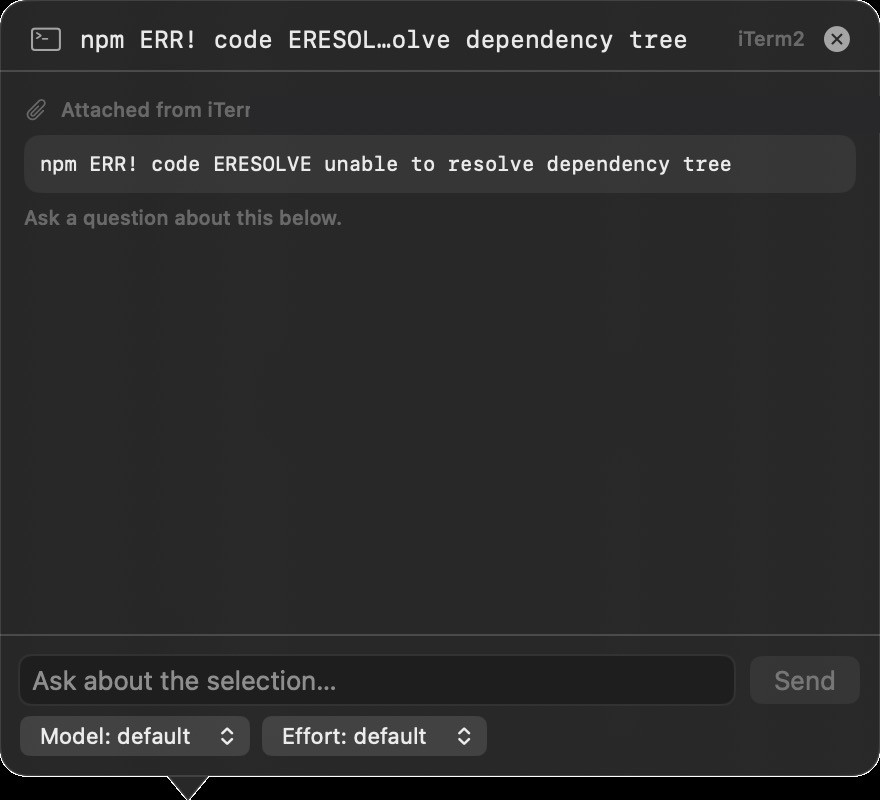 TermChatA macOS menu-bar companion for the terminal: highlight text in iTerm2 or Terminal, right-click Ask TermChat, and a floating bubble chats with your local Claude Code CLI about the selection — working directory and recent output attached as context.Visit TermChat ↗
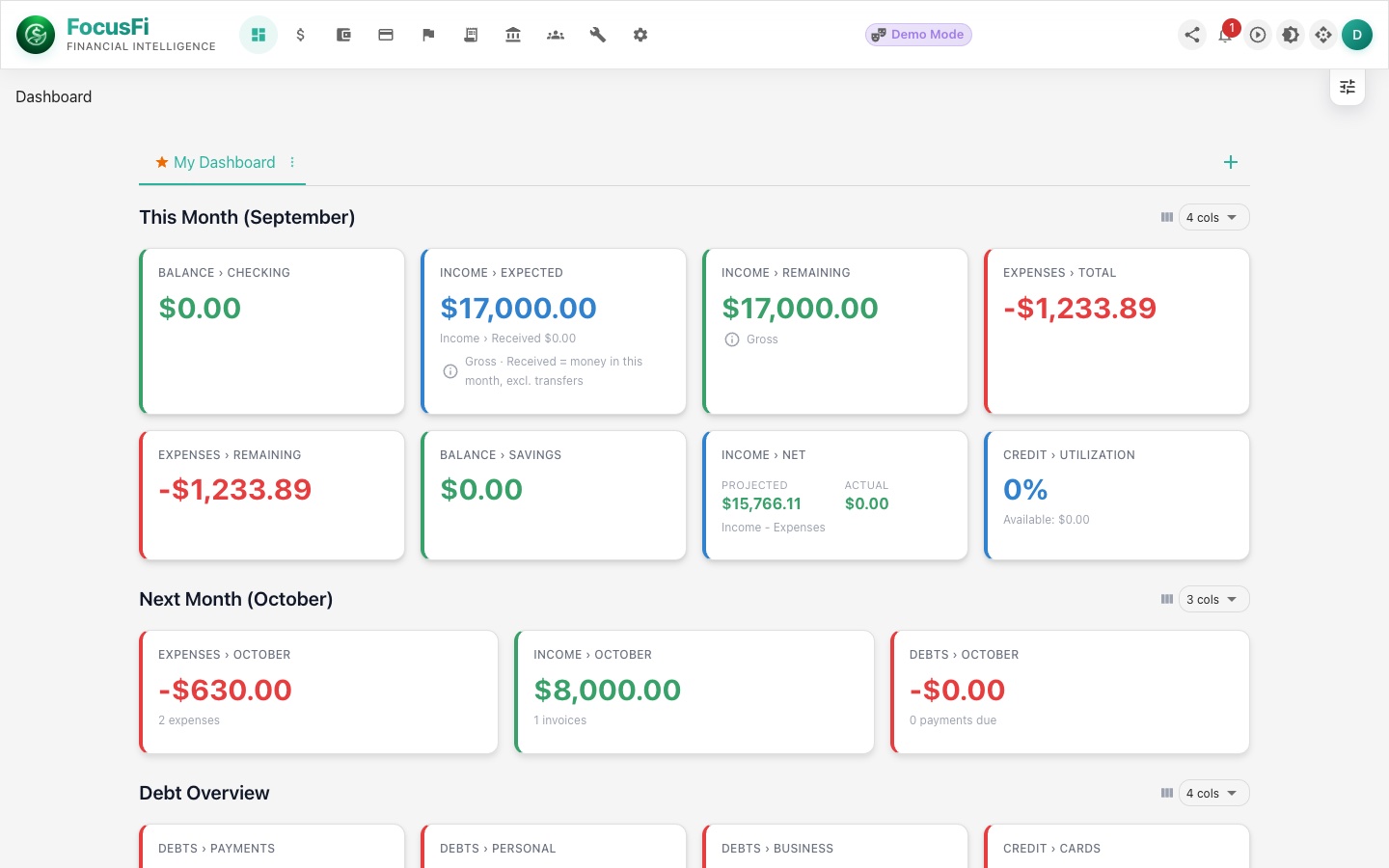 Focus: FinanceA finance workspace for planning, categorizing, and tracking money with a cleaner AI-assisted flow.Visit Focus: Finance ↗
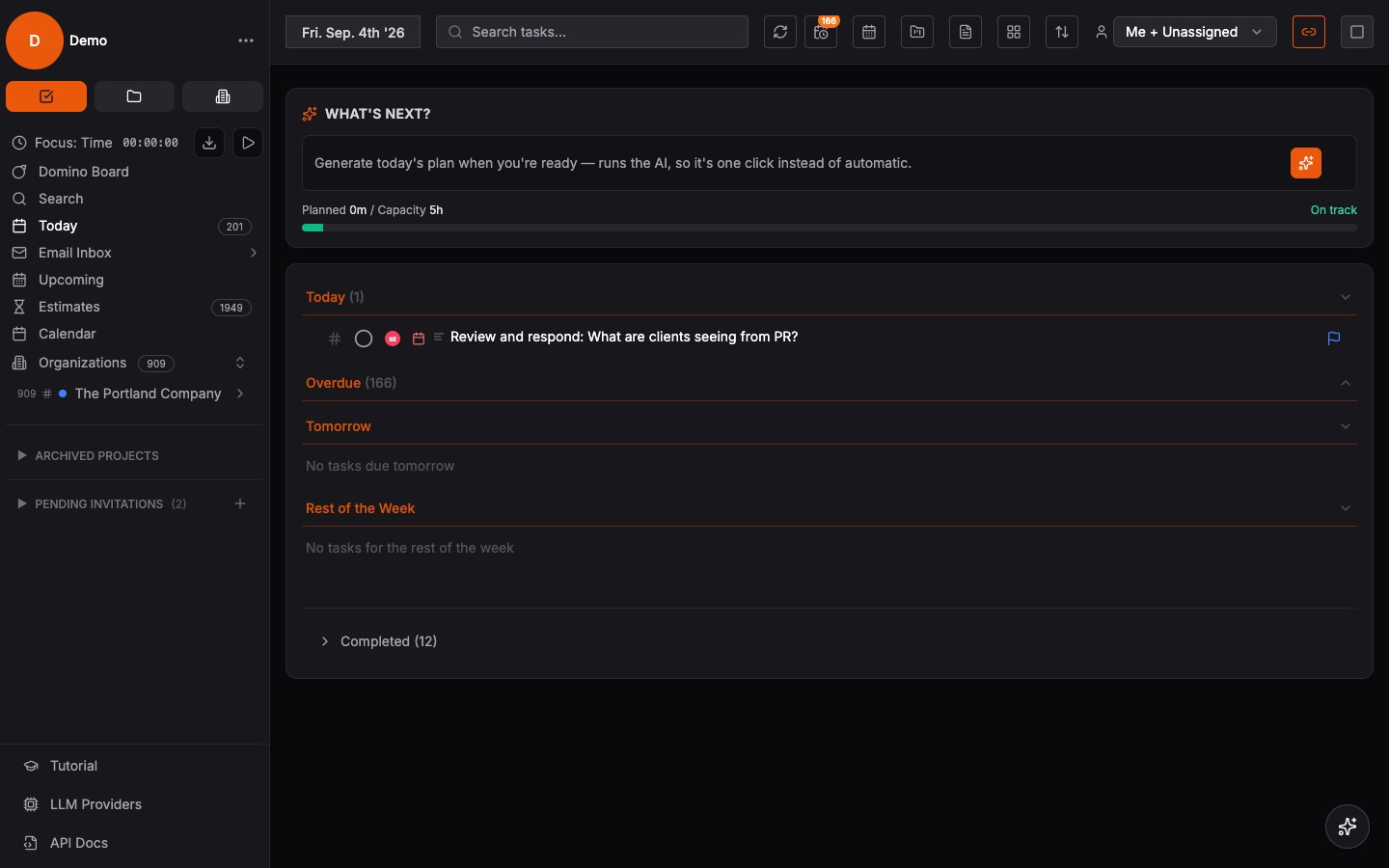 Focus: ForgeAn execution workspace for projects, priorities, and operating cadence across teams and initiatives.Visit Focus: Forge ↗
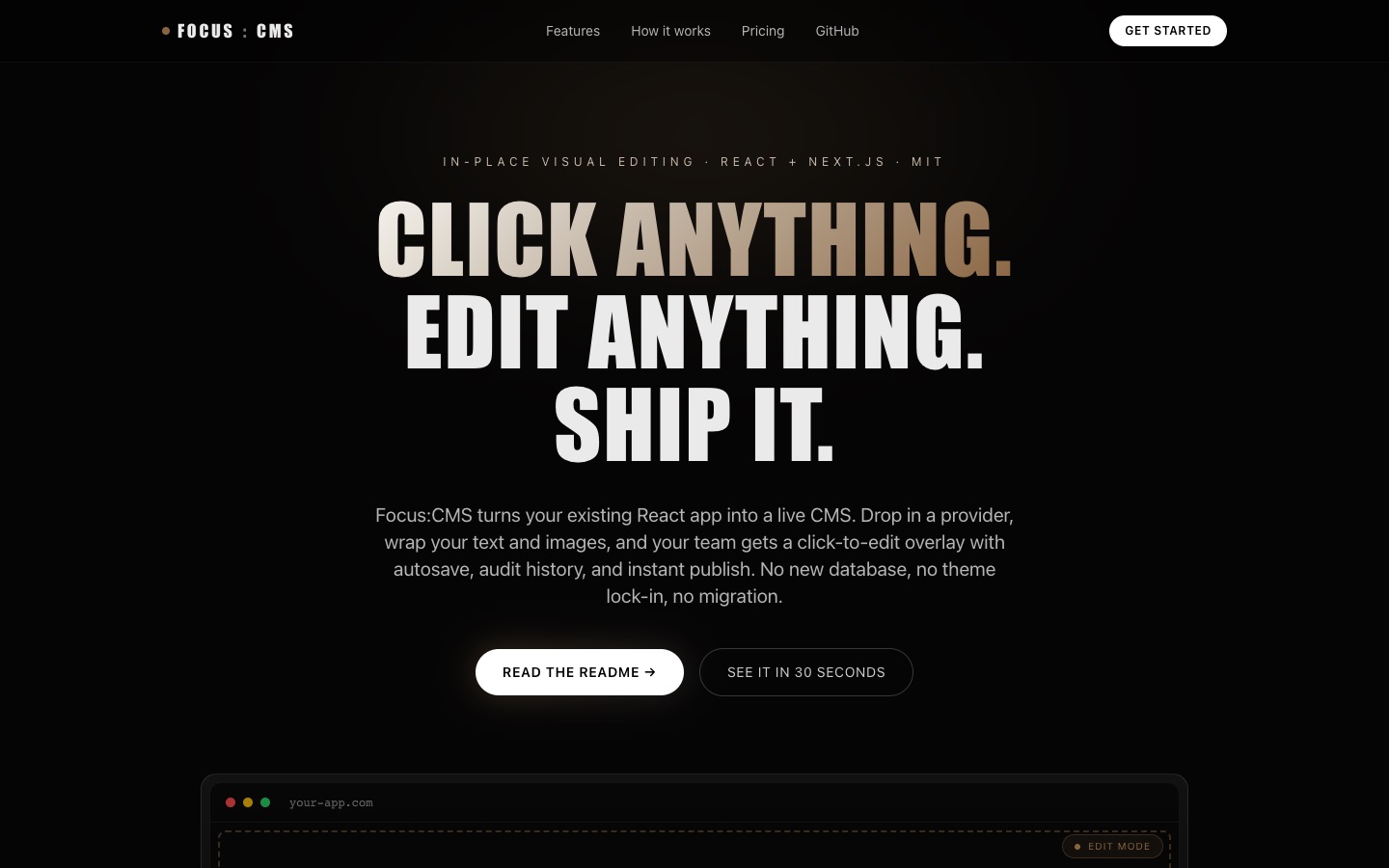 Focus: CMSTurns any existing React app into a live CMS — a click-to-edit overlay with autosave, audit history, and instant publish. Ships with a companion agent skill that teaches AI coding tools to build Focus: CMS-ready Next.js sites.Visit Focus: CMS ↗
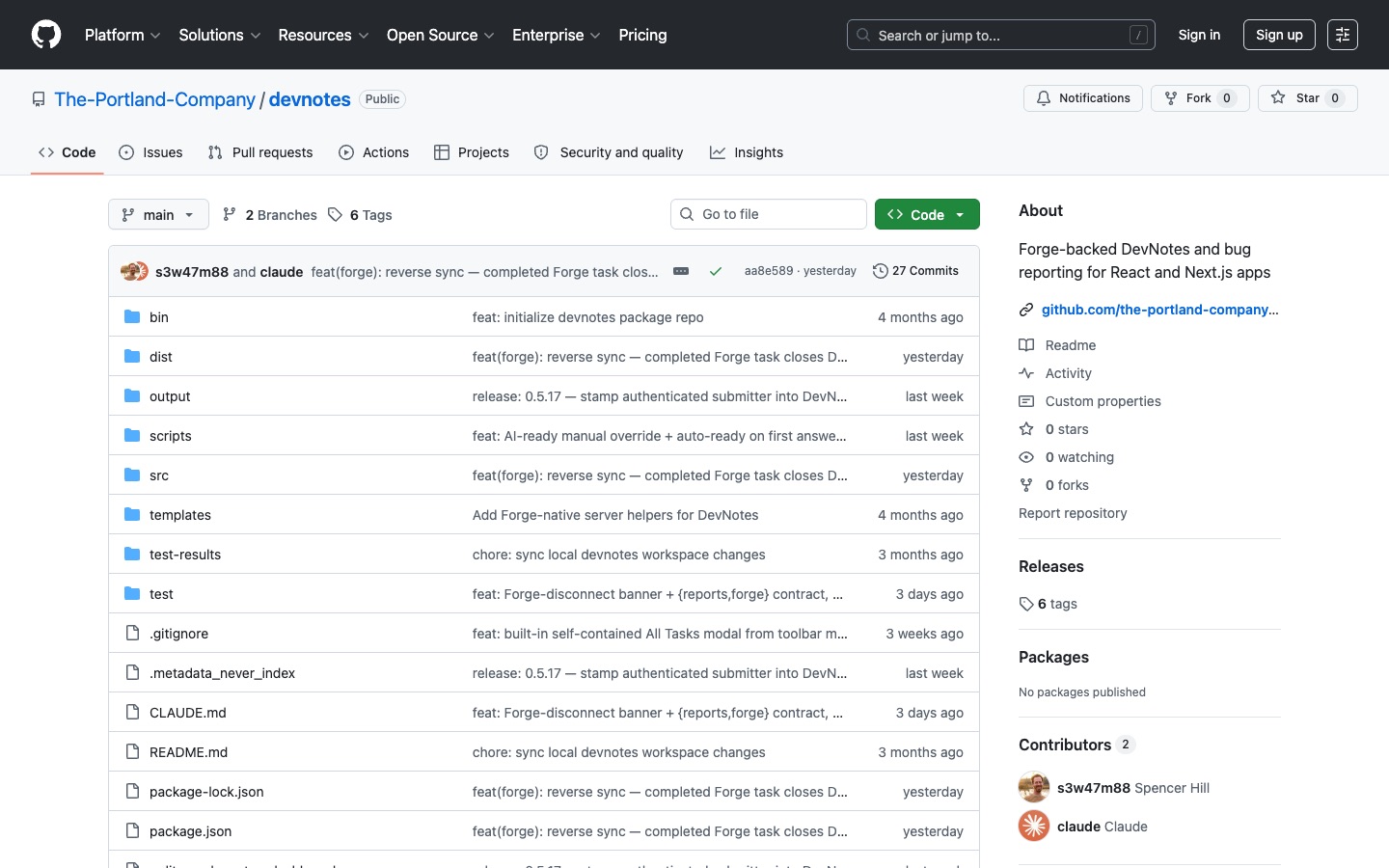 DevNotesIn-app bug reporting and task capture for React and Next.js apps — users file notes right on the page and they land in Focus: Forge as actionable tasks, synced through a secure server-side proxy.Visit DevNotes ↗
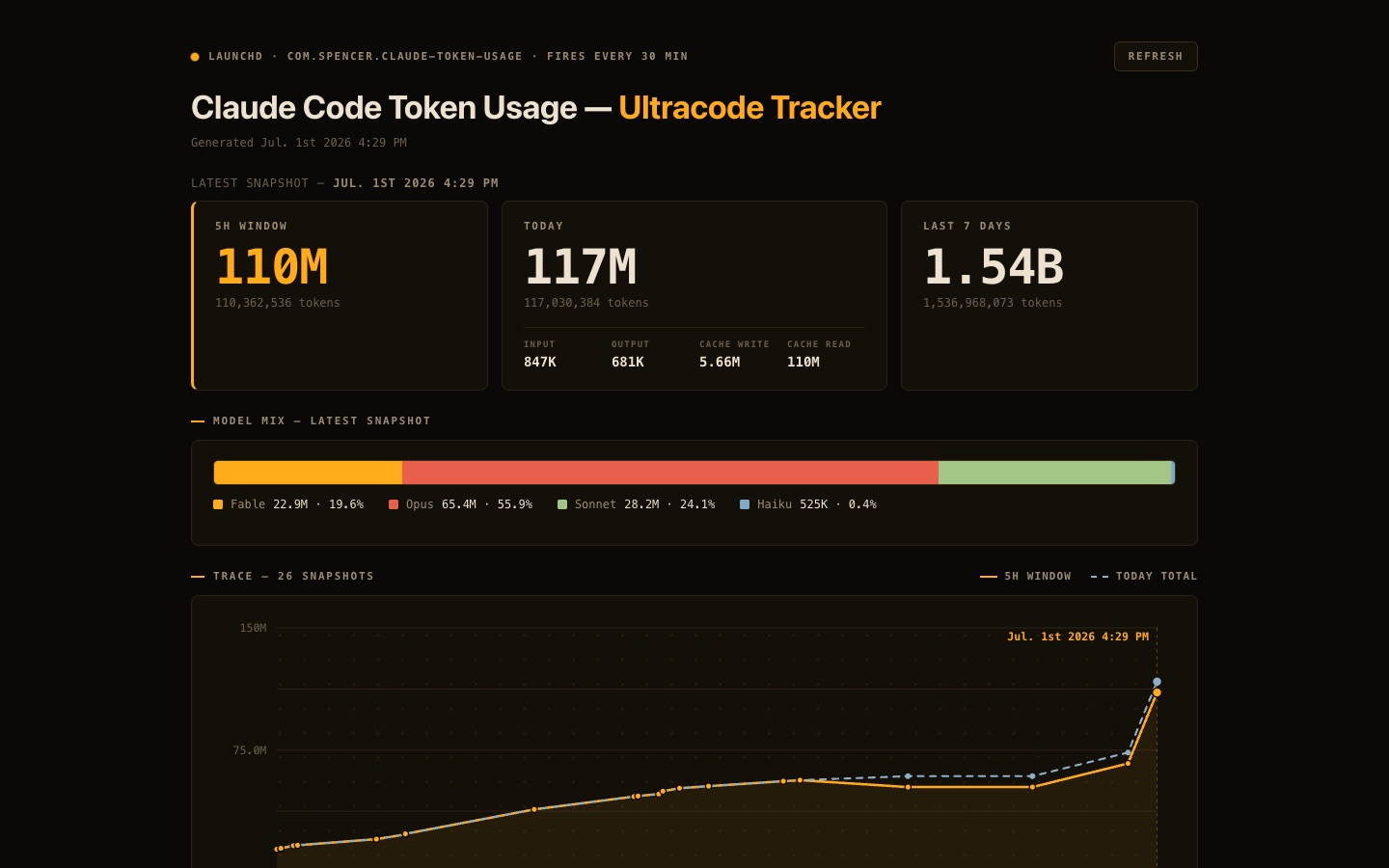 Claude Code Token Usage TrackerA live dashboard for Claude Code token consumption — tracks 5-hour and weekly usage windows, burn rate, and spend so you always know where your limits stand.Visit Claude Code Token Usage Tracker ↗
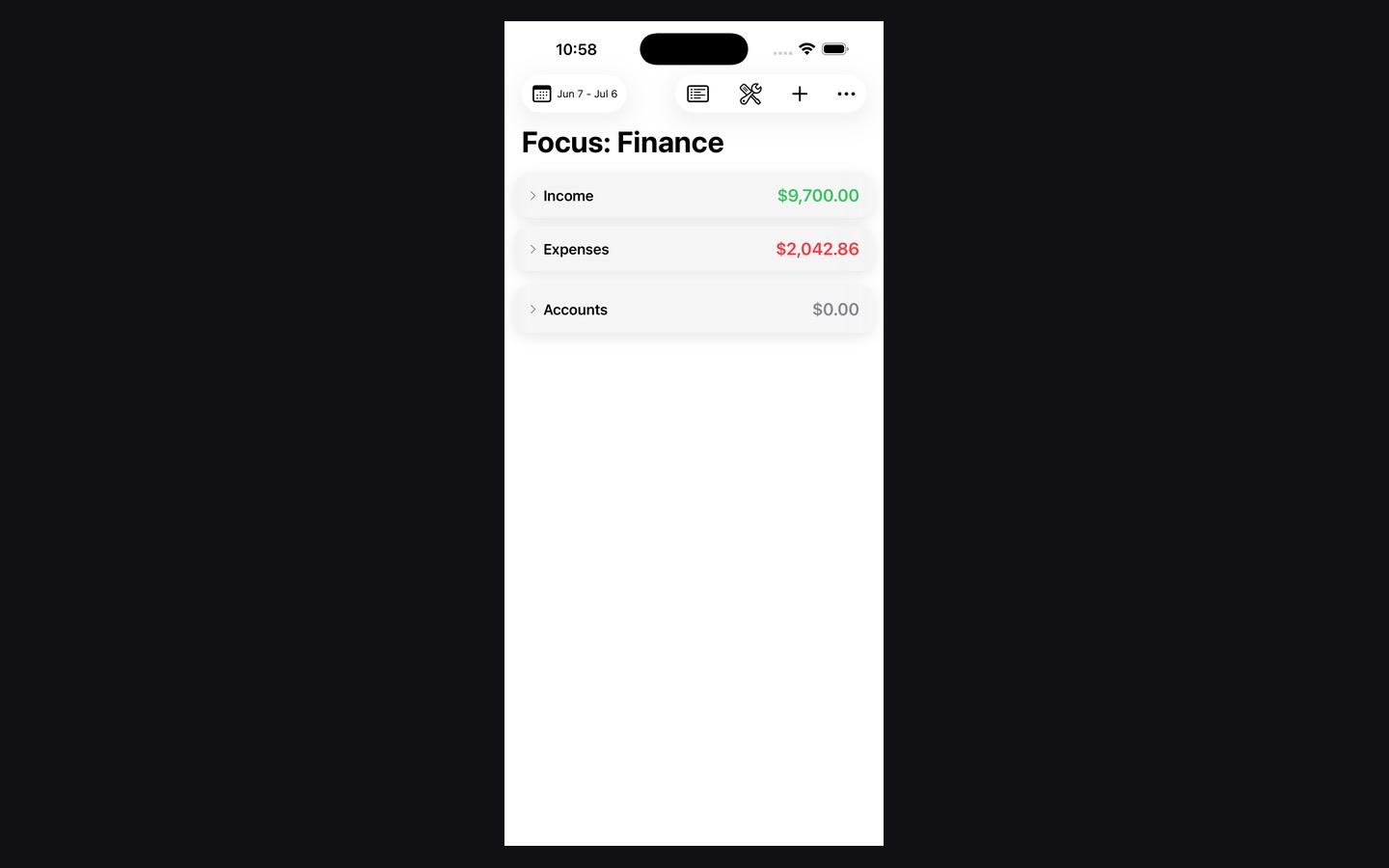 Focus: Finance iOS AppThe mobile companion for Focus: Finance with a native interface for checking, capturing, and managing money on the go.Visit Focus: Finance iOS App ↗
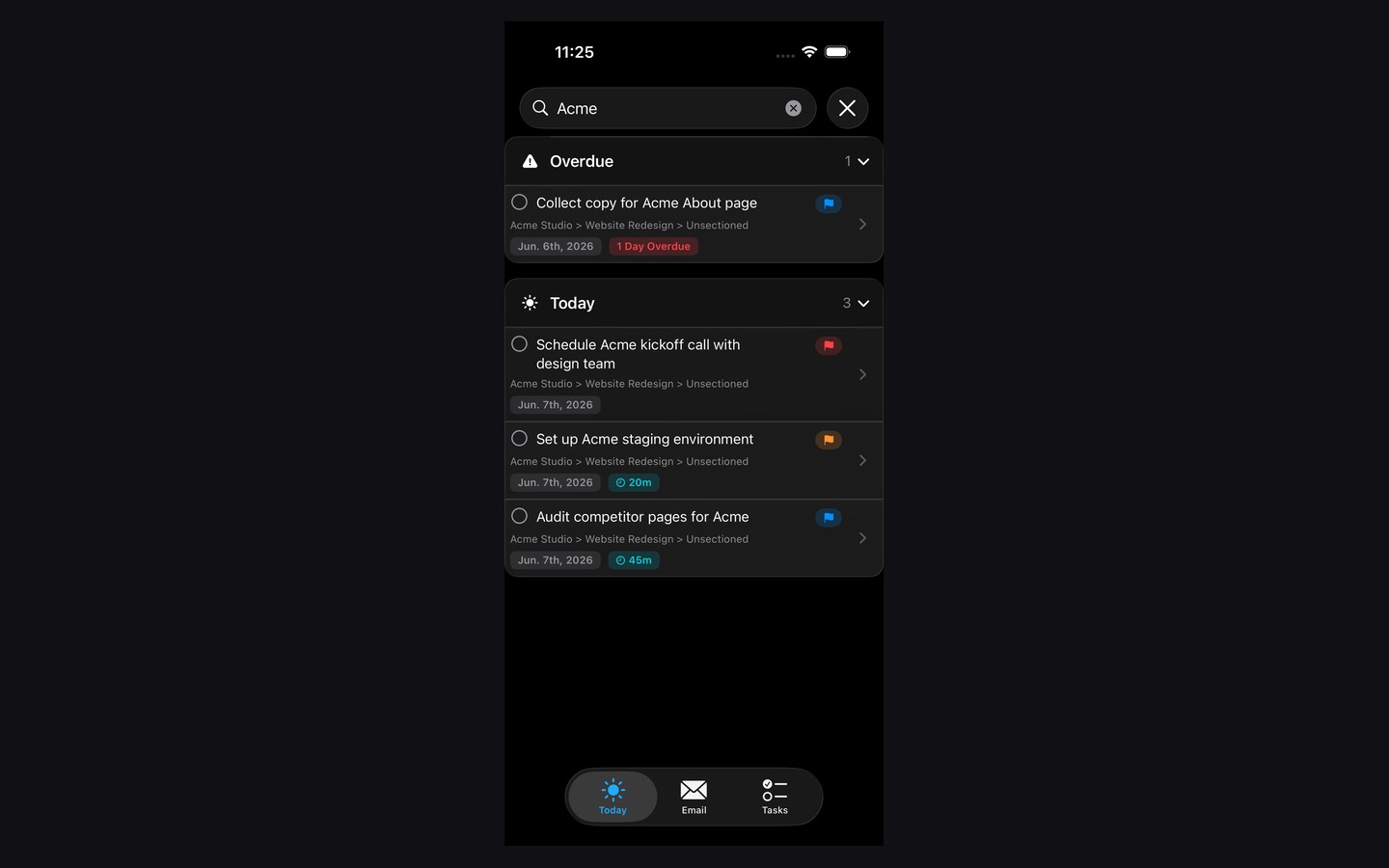 Focus: Forge iOS AppA native iPhone build for the Focus: Forge ecosystem built around fast daily planning and execution.Visit Focus: Forge iOS App ↗
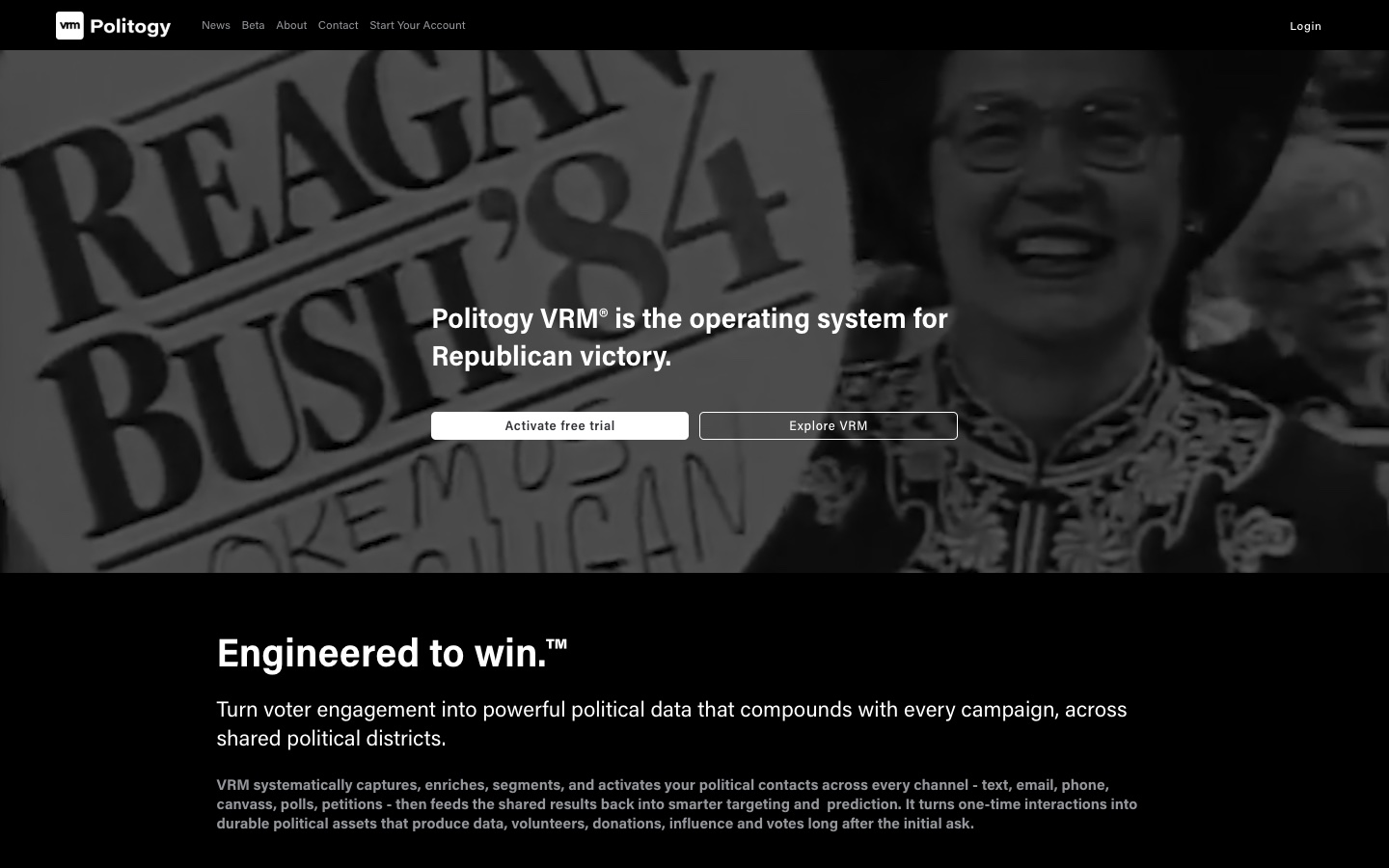 Politogy: VRMA voter relationship management platform designed around political outreach, communication, and engagement workflows.Visit Politogy: VRM ↗
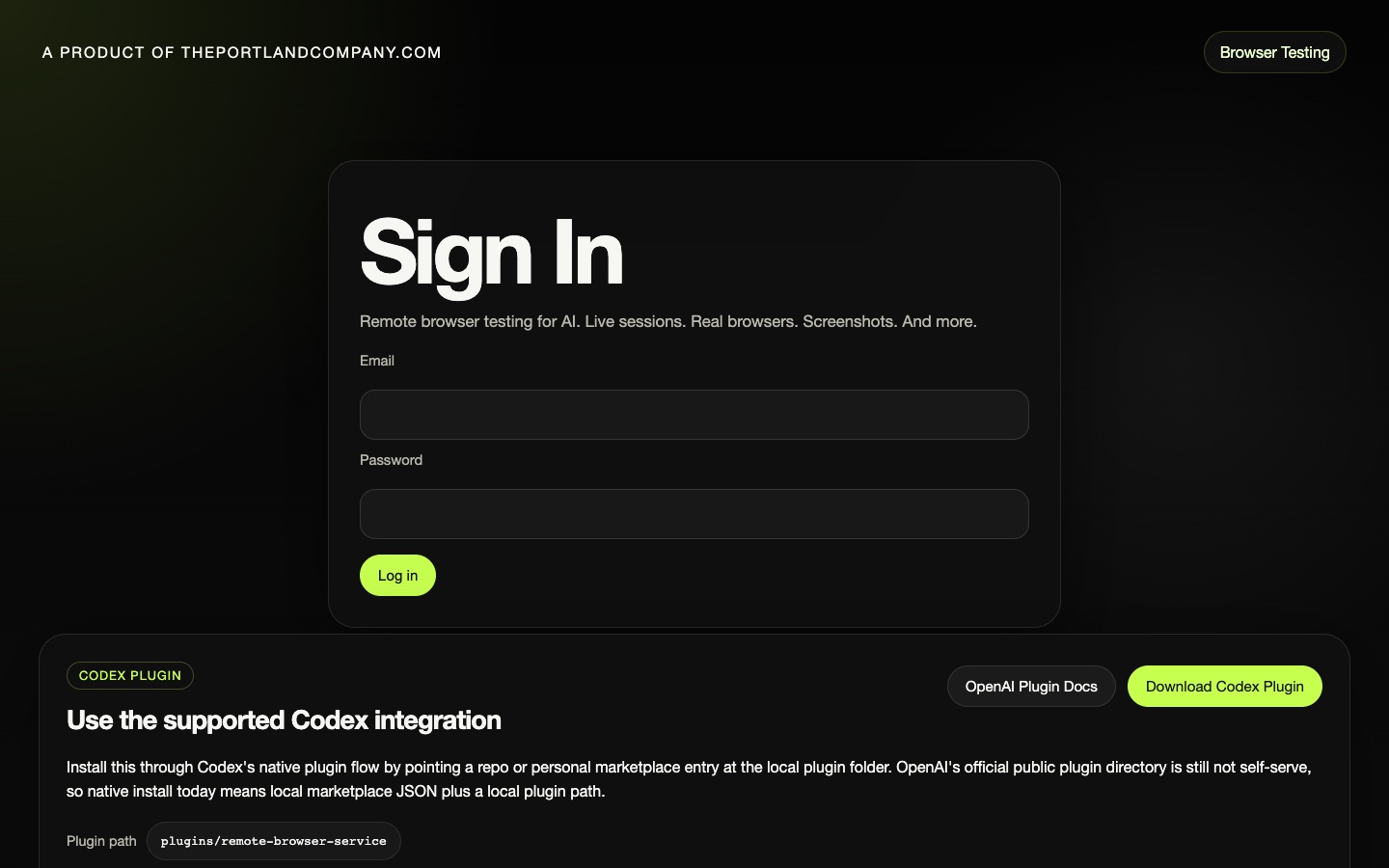 TPC Remote Browser TestingA remote browser testing utility for reproducible sessions, live debugging, and AI-assisted browser automation.Visit TPC Remote Browser Testing ↗
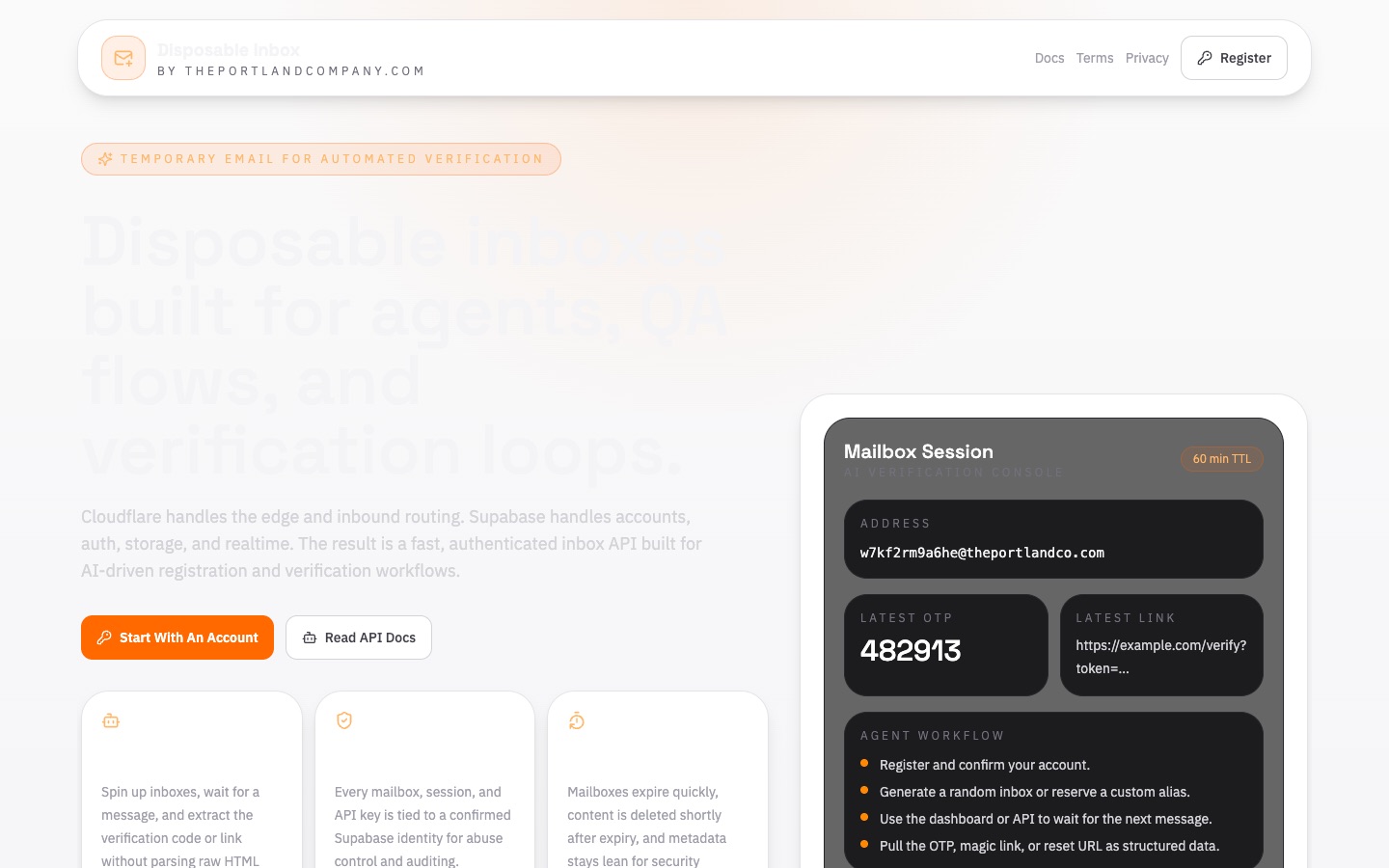 Disposable InboxReal, throwaway email addresses AI agents can read programmatically — capture OTP codes, magic links, and confirmations during automated testing, with a web dashboard and a drop-in agent skill.Visit Disposable Inbox ↗
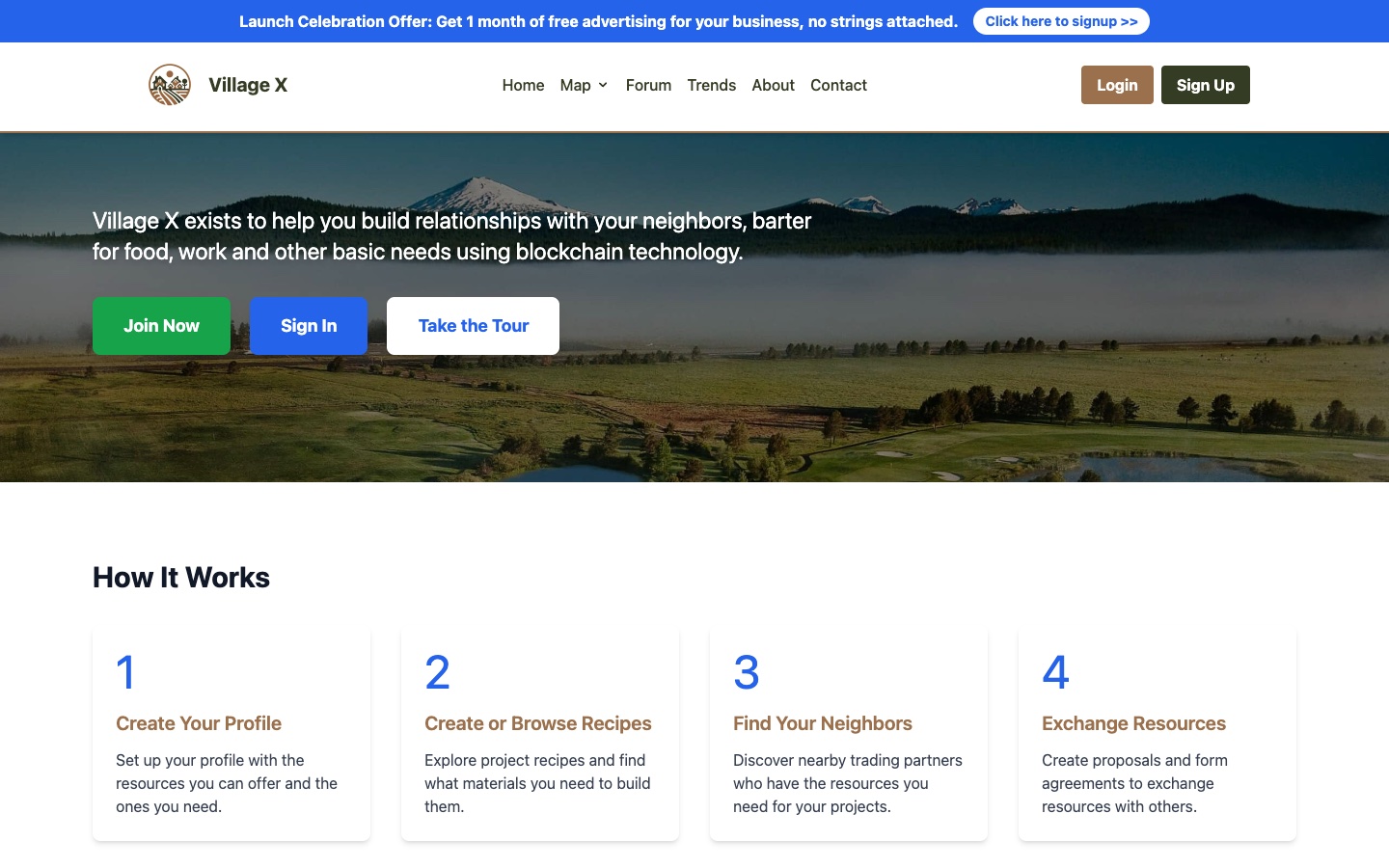 Village XA consumer-facing app with a stronger brand voice and product-led experience designed to feel polished from the first screen.Visit Village X ↗
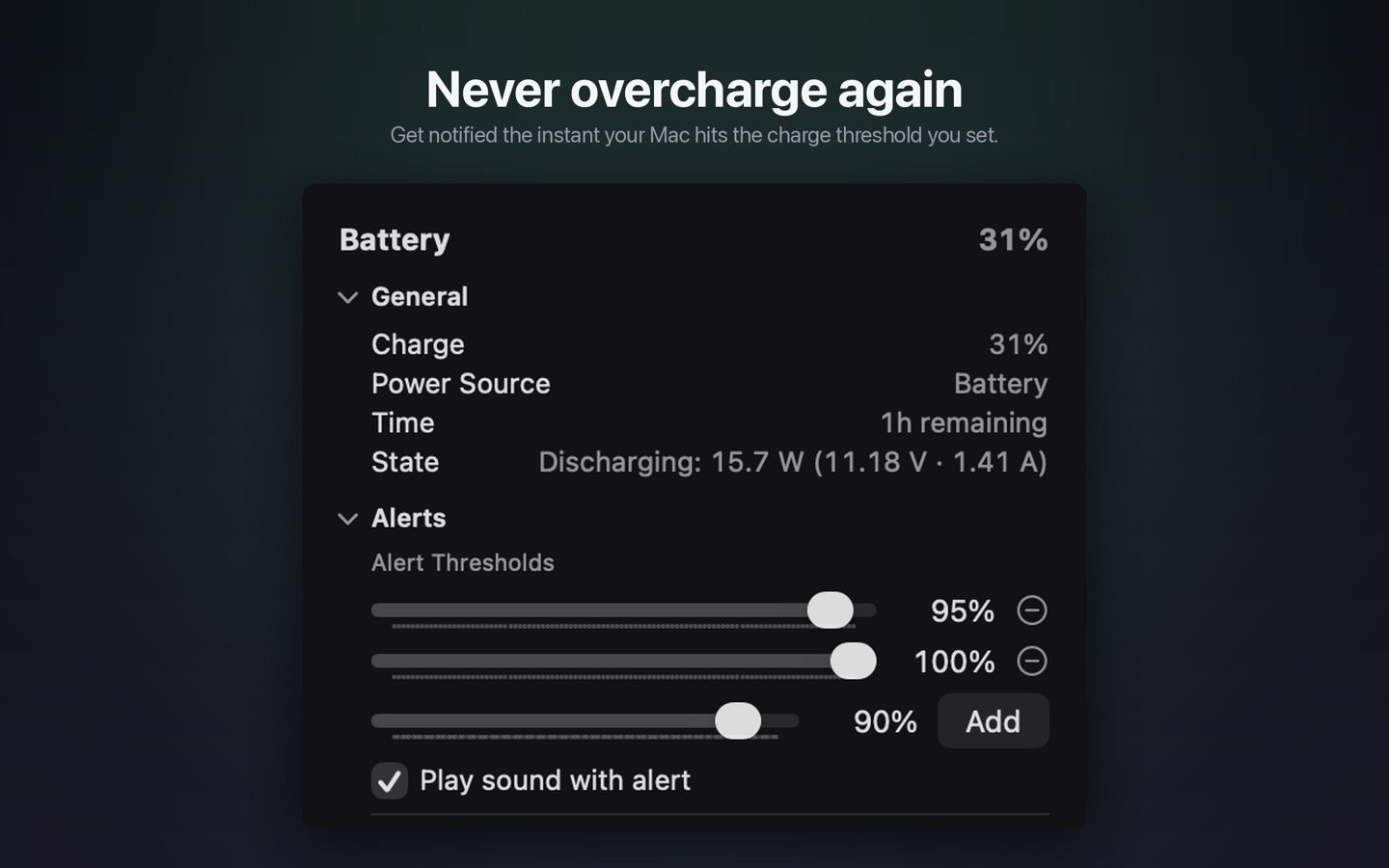 Battery BeaconA tiny menu bar utility that notifies you the moment your Mac's battery reaches the percentage you choose — so you can unplug at 95%, 100%, or any threshold you set, and never overcharge.Visit Battery Beacon ↗
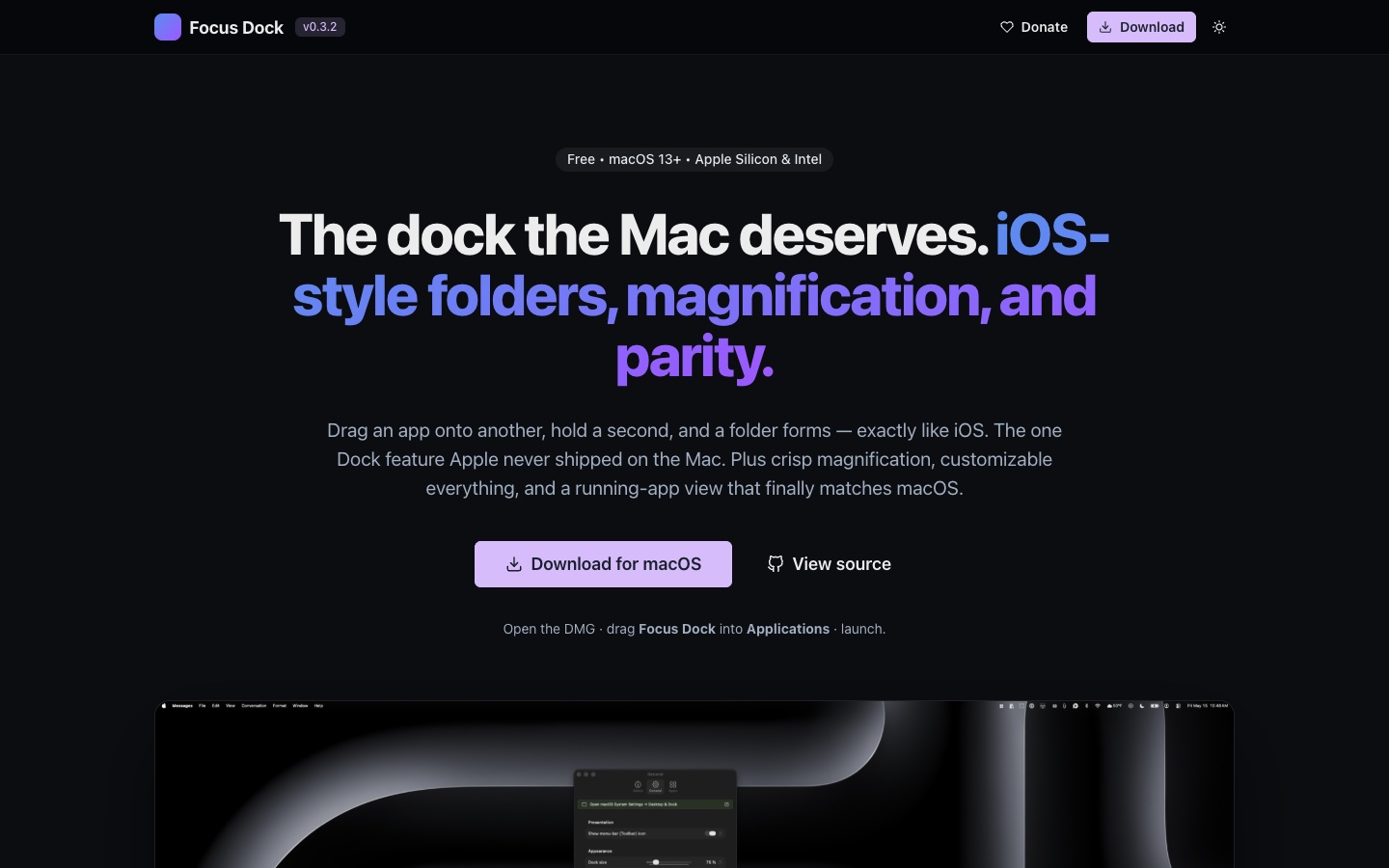 Focus: DockAn iOS-style replacement dock for macOS with the one feature Apple never shipped on the Mac — drag one app onto another, hold, and a folder forms.Visit Focus: Dock ↗
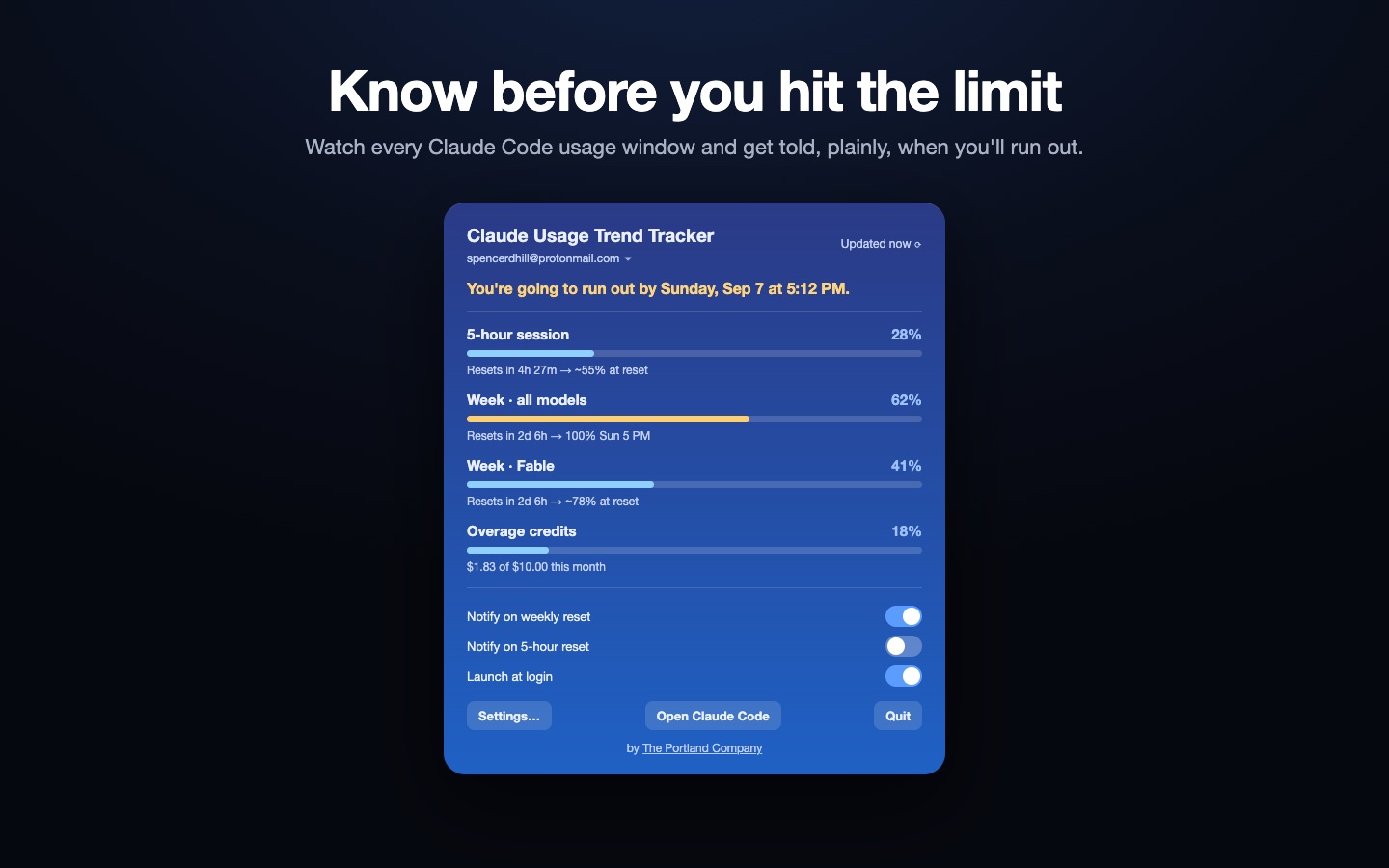 Claude Usage Trend TrackerA menu-bar app that shows your Claude usage limits at a glance — pick which percentages appear (Weekly, 5-hour, per-model like Fable) with icons or colored text, plus pace projection and reset alerts.Visit Claude Usage Trend Tracker ↗
 TPC Restore AI WindowsA macOS app + Claude Code skill that reopens your crashed Claude Code iTerm sessions and your browser windows after a crash or reboot — restoring tabs grouped into their original windows, on the exact Space, position, and size they were on. Auto-snapshots in the background and restores at login. New in 1.1: live restore progress, and restored sessions continue on their own.Visit TPC Restore AI Windows ↗
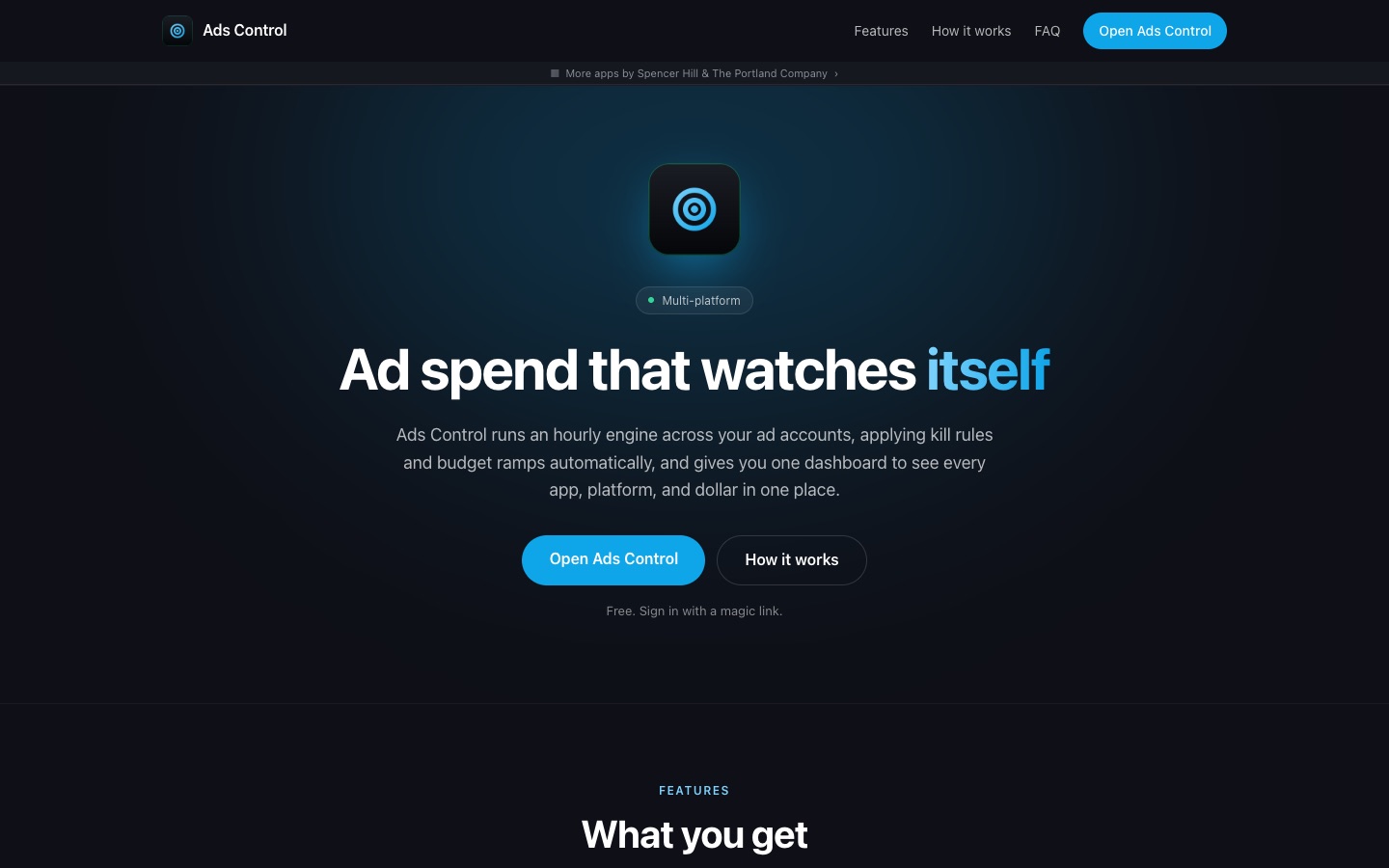 Ads ControlOne dashboard for every ad account and platform. A rules engine watches spend, CPC, and CTR around the clock, and pauses or paces campaigns before they overspend.Visit Ads Control ↗
 TPC AnalyticsHosted, privacy-friendly web analytics built on open-source Umami. No cookies, no personal data collection, just clear traffic insights.Visit TPC Analytics ↗
 Swarm TesterA swarm of cheap AI agents drives real browsers against your app, hunting bugs from personas built on your real bug history, while one judge rules on what they find.Visit Swarm Tester ↗
 Claude OptimizationsA dashboard that shows why Claude Code costs what it does, day by day, and tracks the fixes that bring the bill down.Visit Claude Optimizations ↗
 Mission UpdaterA native macOS menu app that scans every Focus: Forge project daily and walks you through writing a mission for any that are missing one.Visit Mission Updater ↗
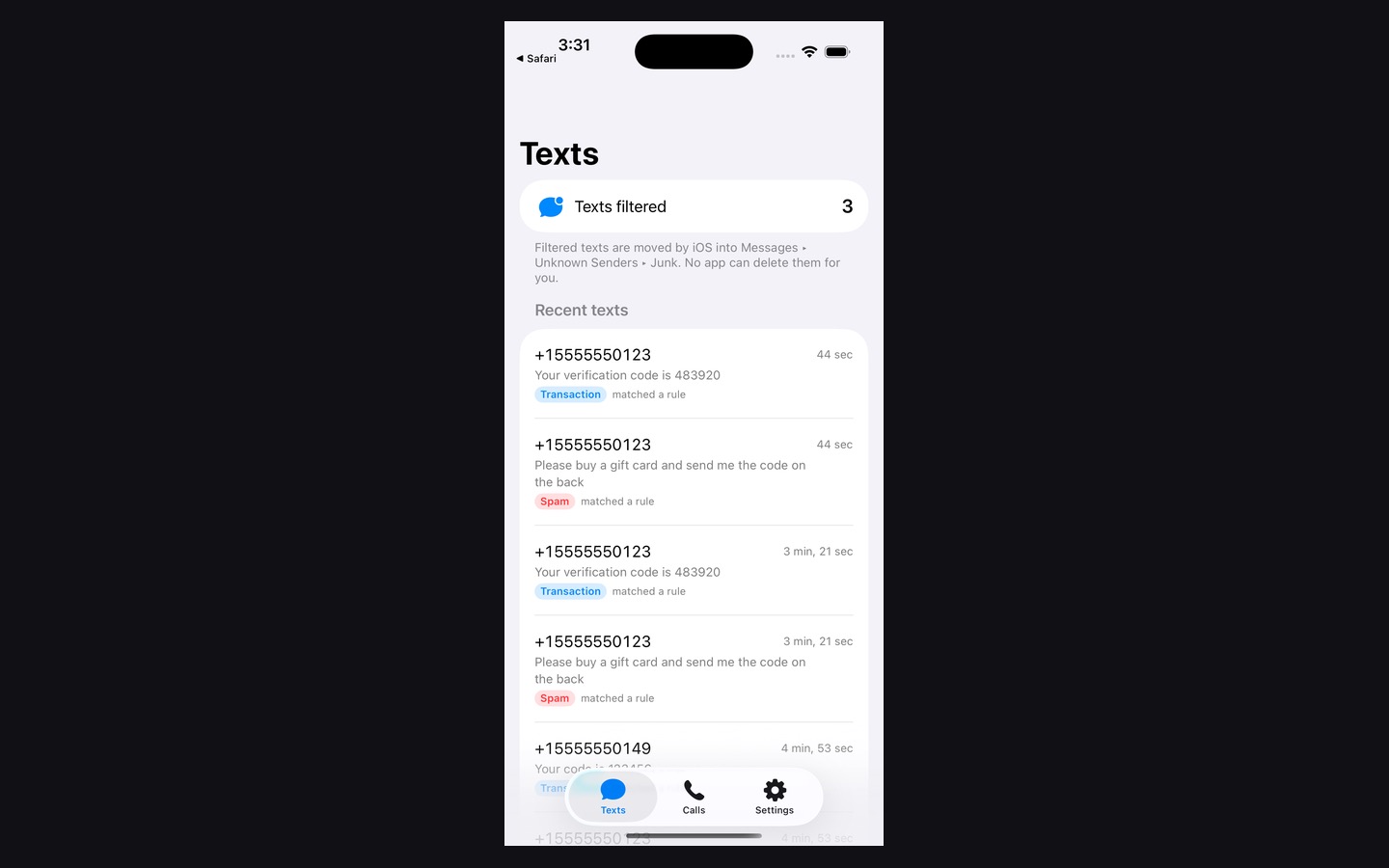 TPC Anti-SpamAI-powered spam defense for iPhone texts and calls — a crowdsourced blocklist, private on-device filtering, and an opt-in AI classifier for the messages that slip through.Visit TPC Anti-Spam ↗
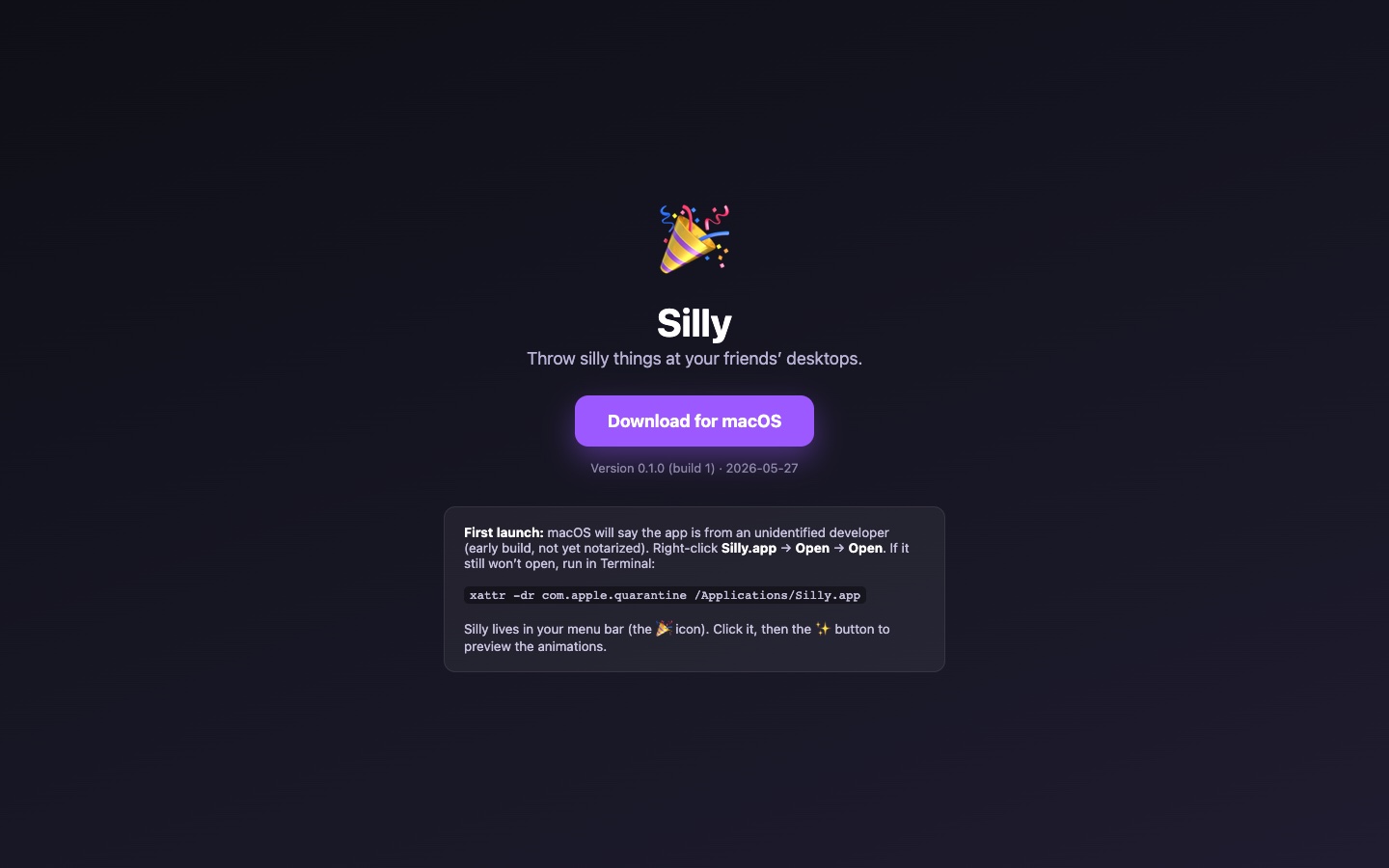 Silly!A playful menu bar companion for your Mac — pixel-art sprites, a throw mini-game, and Game Center multiplayer.Visit Silly! ↗
Hover to pause